Why cafes need fresh reviews
Cafe decisions are often quick and local. People search nearby options, compare ratings, check Instagram, and look for proof that the coffee, food, ambience, and service are worth the visit. Fresh reviews help the cafe show that real customers are still having good experiences, not only that the brand looks polished online.
QR placement for cafes
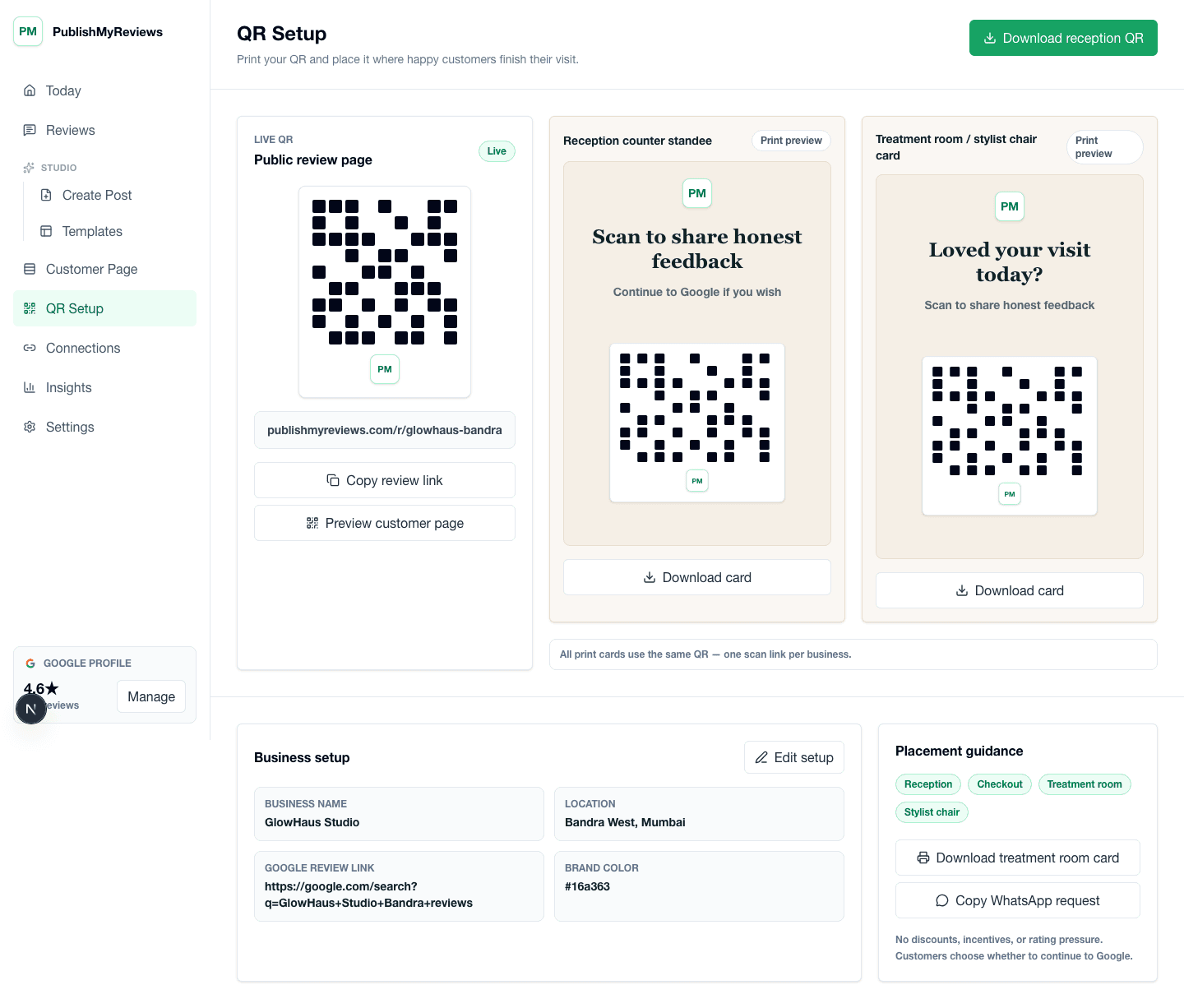
Cafes can place QR review cards at the billing counter, on table tents, near pickup counters, on takeaway bags, or inside bill folders. The best placement is where customers naturally pause after the experience: while paying, waiting for takeaway, or finishing a meal with friends.
Capture coffee, ambience, service, and food feedback
A cafe review can mention the coffee, a dessert, a breakfast plate, the music, the seating, staff warmth, or the speed of service. Capturing that detail first-party gives the owner richer proof than a star rating alone and can also reveal operational patterns worth fixing.
Google review handoff after QR feedback
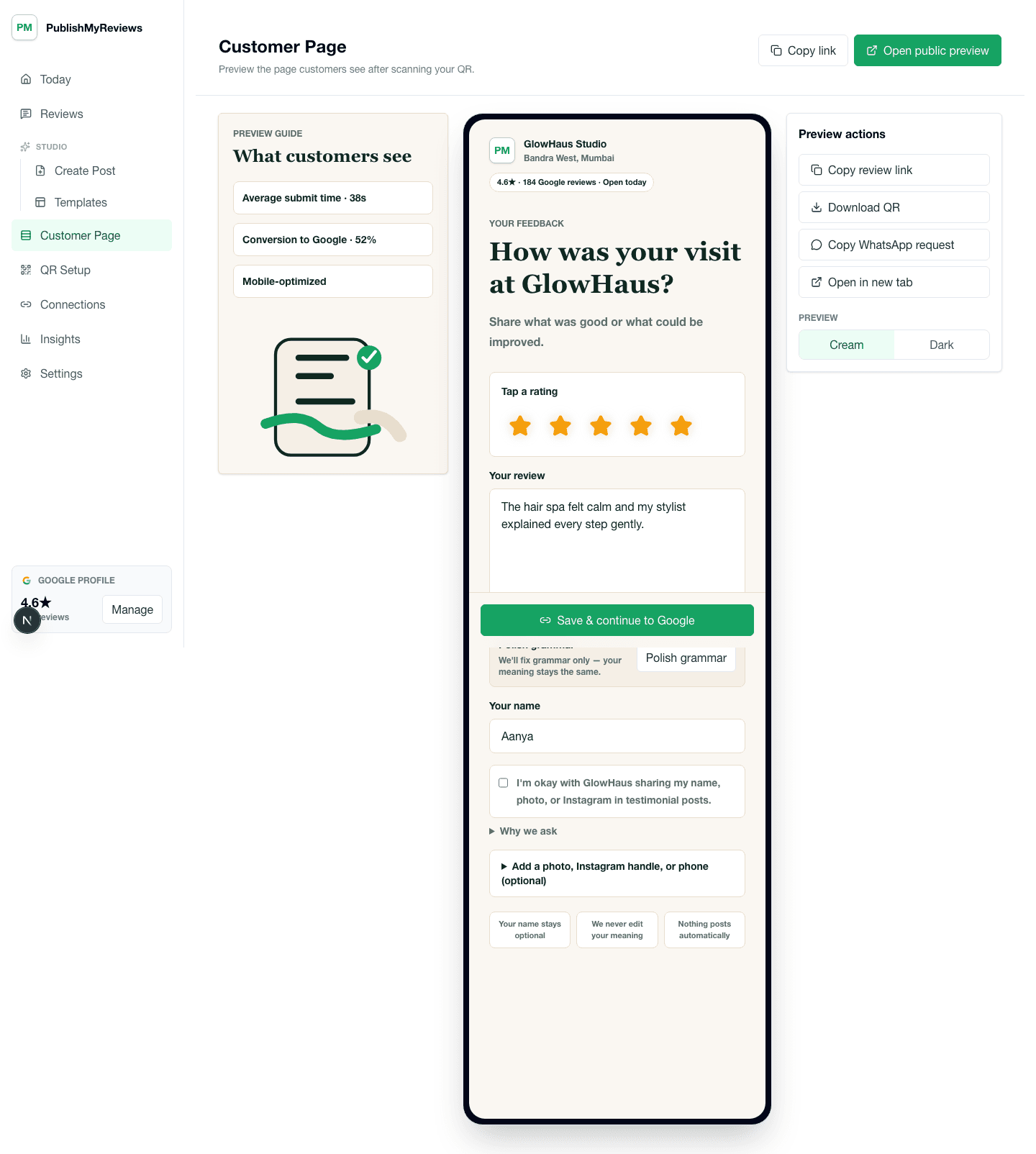
After customers share feedback, PublishMyReviews gives them a clear path to continue to Google and post publicly themselves. The product does not write Google reviews, filter customers, or post to Google on behalf of the customer. The cafe keeps the first-party testimonial and tracks the handoff.
Instagram review posts for cafes
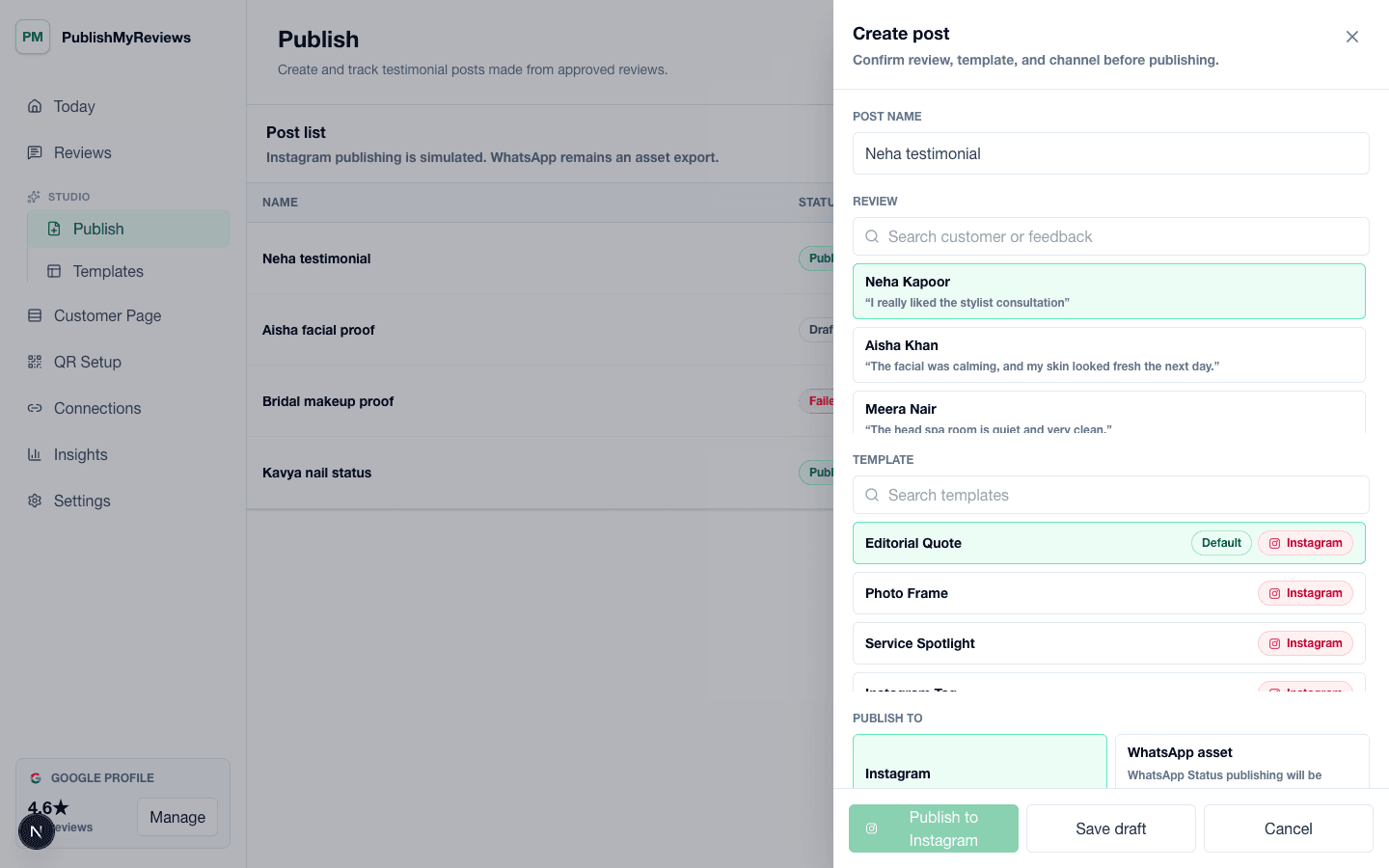
Approved cafe testimonials can become Instagram posts that highlight a coffee experience, ambience note, repeat-customer comment, or food-quality review. Templates make the proof feel branded and consistent, so the cafe can publish customer stories without creating a new design each time.
WhatsApp-ready stories for repeat customers
Many cafes use WhatsApp for loyal customers, offers, group updates, catering inquiries, or neighborhood communities. PublishMyReviews can create WhatsApp-ready story assets from approved testimonials so the team can share customer proof manually where local customers already see updates.
Review automation for cafe staff
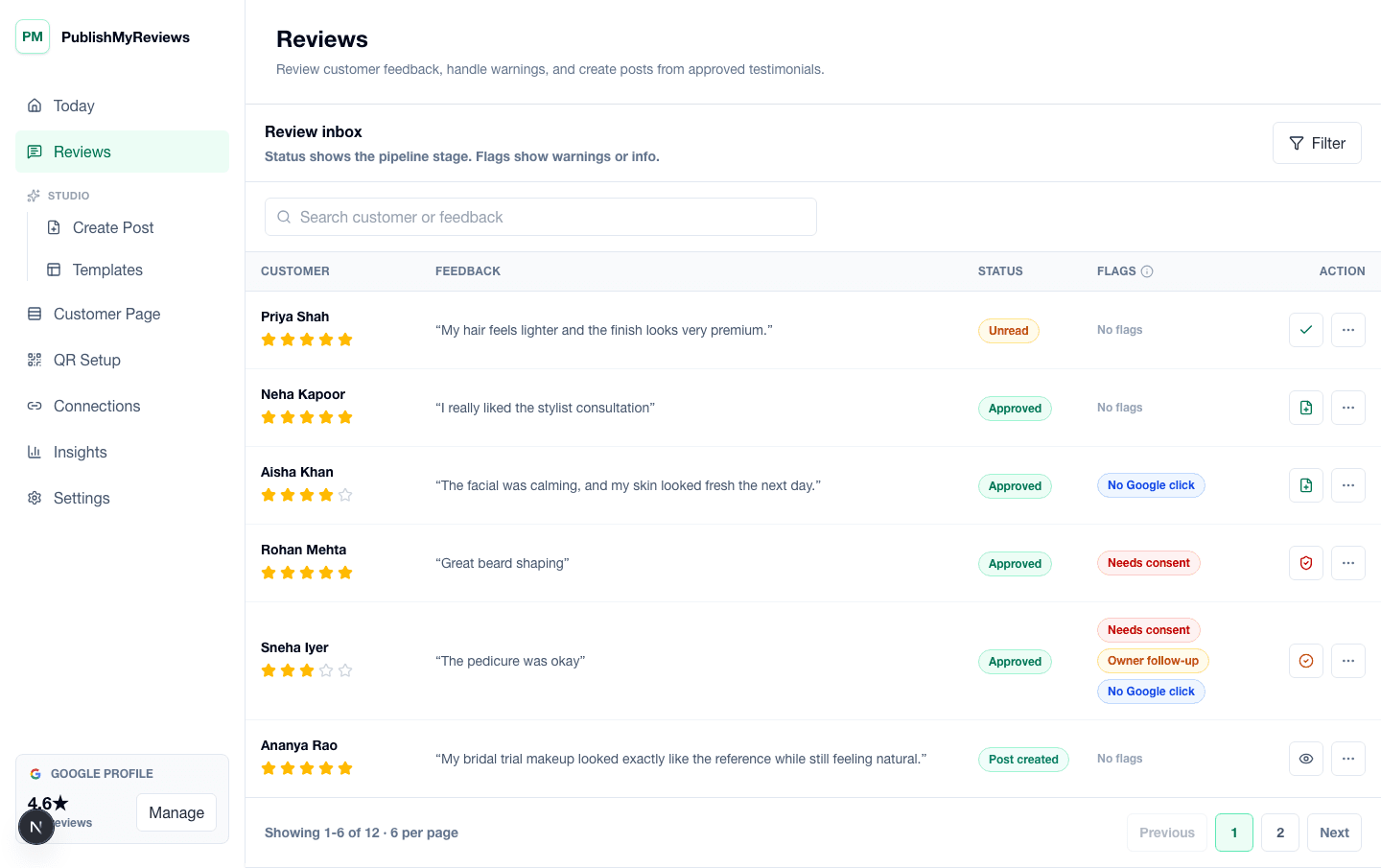
Cafe staff should not need to write messages or explain a complex review process during rush hour. A QR card keeps the ask simple: thank the customer and invite them to scan if they want to share honest feedback. Owners can later review the inbox, approve testimonials, and turn the best comments into Instagram or WhatsApp-ready proof.
Use cafe reviews as content, not only ratings
A customer may mention a favorite cappuccino, a quiet work corner, quick takeaway service, or a dessert they would order again. Those details make better social content than a generic rating alone. PublishMyReviews helps cafes keep that context before the public Google step and reuse approved testimonials as specific proof.
Best cafe fit
The workflow fits independent cafes, bakery cafes, dessert shops, quick-service restaurants, cloud kitchens with pickup counters, and neighborhood food brands that depend on repeat customers. It is especially useful when the business already has happy customers but does not have a clean system for asking, approving, and publishing reviews.