Search intent
A practical workflow, not a shortcut around customer trust.
PublishMyReviews syncs your Google reviews into one place, drafts a reply to every one, and turns the best into Instagram posts and WhatsApp-ready stories. You approve everything. A branded QR page sends customers to Google to leave the review in the first place.
How to post testimonials on Instagram
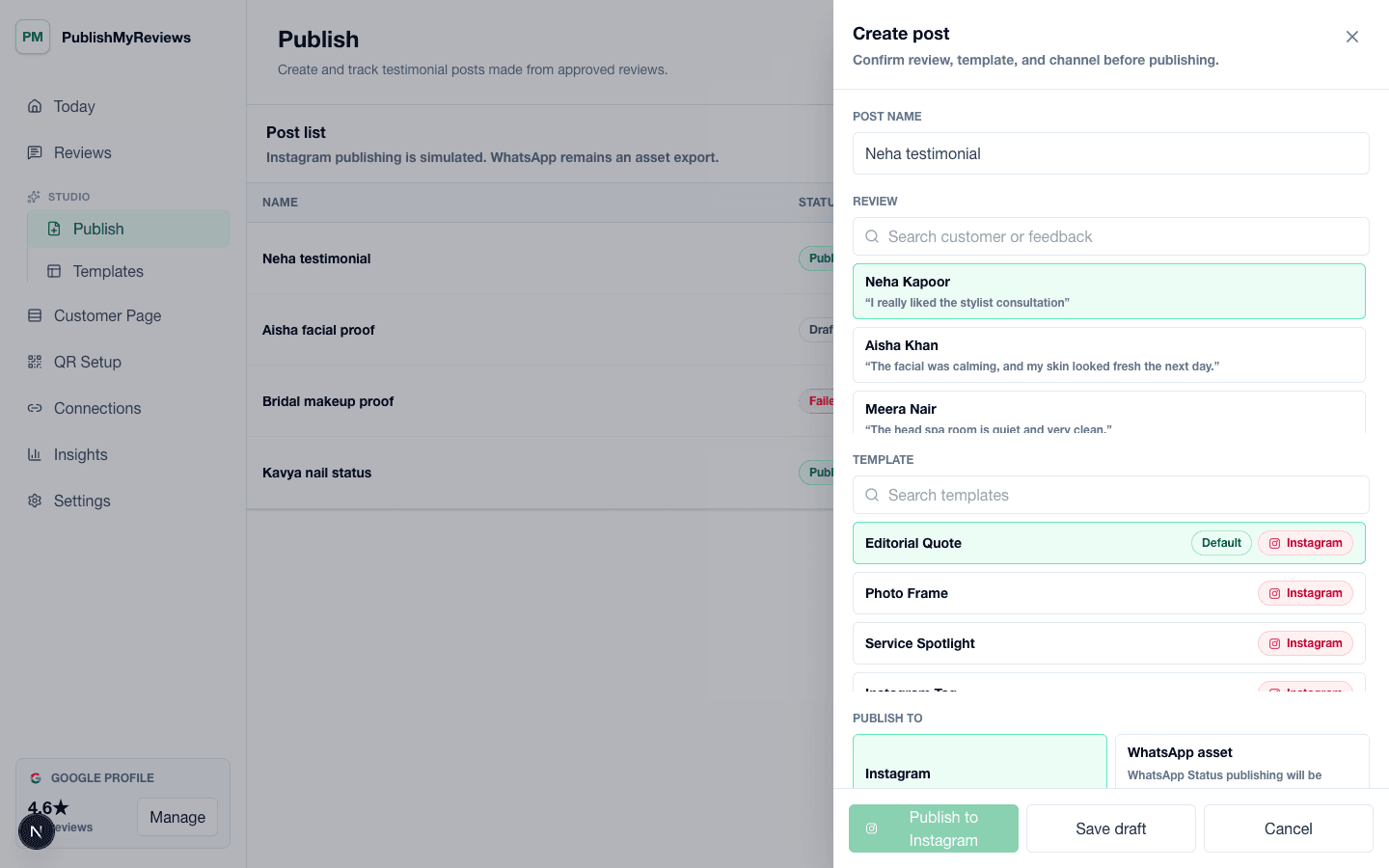
Posting a testimonial on Instagram works the same way as posting a review — you're leading with the customer's own words. Start with one of your Google reviews, drop the quote into a branded template alongside the customer's name and the service, write a short caption, and publish it to your feed or share it as a story. The point is to let a happy customer do the selling: a five-star review that would otherwise sit unseen on Google becomes social proof your next customer actually notices. PublishMyReviews turns your synced Google reviews into ready-to-post Instagram posts and stories, so each one stays on-brand — you just approve.
Why customer reviews make strong Instagram content
Local customers do not only judge a business by offers, discounts, or polished brand posts. They look for signals that other people had a good experience and felt confident enough to say so publicly. A short customer review can show the service moment, the tone of the business, and the outcome in the customer's own language. That makes review posts useful for salons, cafes, clinics, gyms, studios, and any service brand where trust matters before someone books or visits.
How the review-to-Instagram workflow works
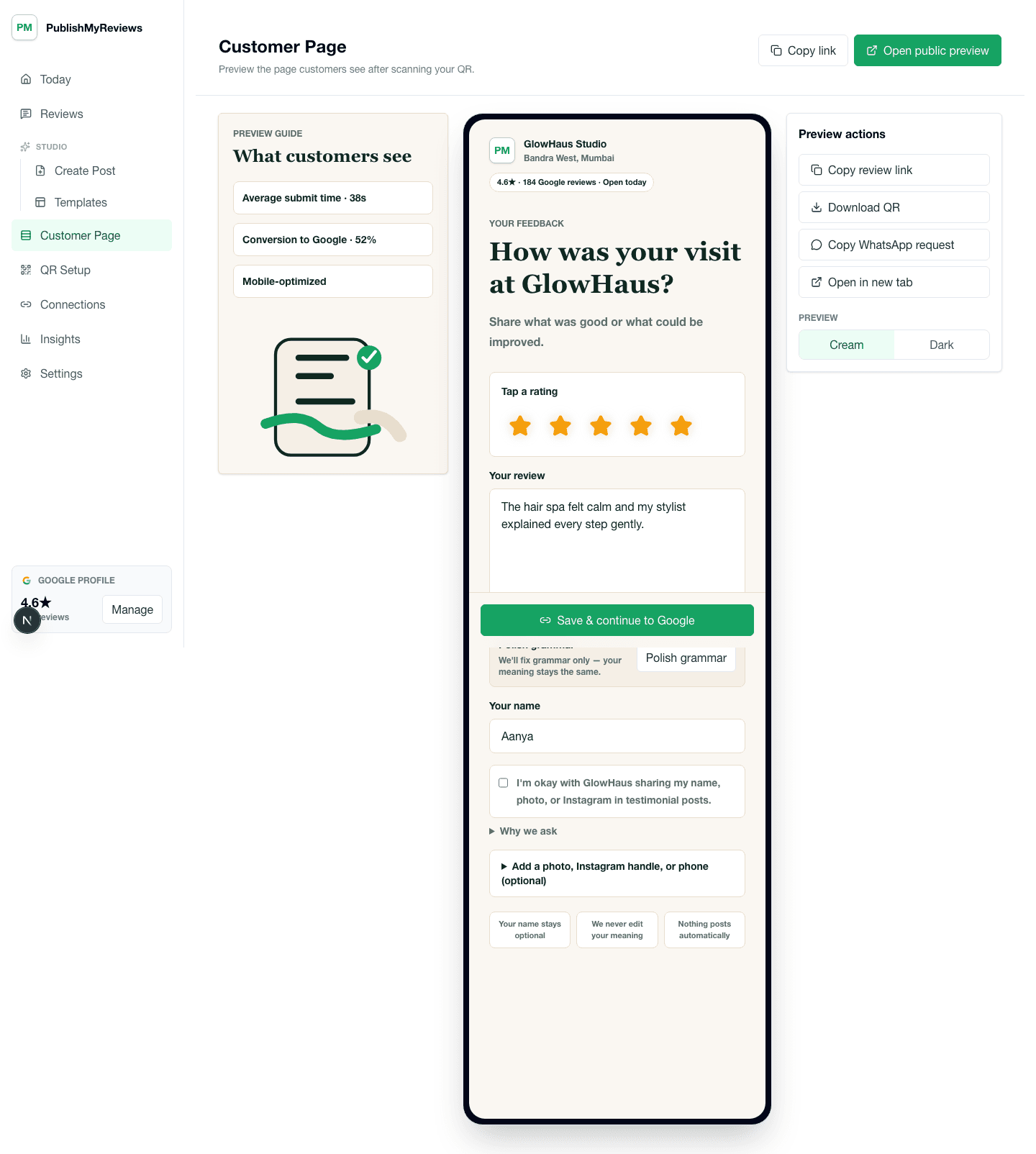
The flow starts when a customer scans a QR code at the counter, table, reception desk, treatment room, or checkout point and posts their review on Google. That review syncs back into your inbox in real time. You pick one that reads well, choose a branded template, and prepare the Instagram post — approving it before it goes out.
Drive reviews with a QR
A QR keeps the ask close to the customer moment. Instead of messaging hours later and hoping they remember, invite the review while the visit is still fresh — the QR sends them straight to Google. Every review they leave syncs back, so you always have fresh proof to post.
Approve every post before it goes out
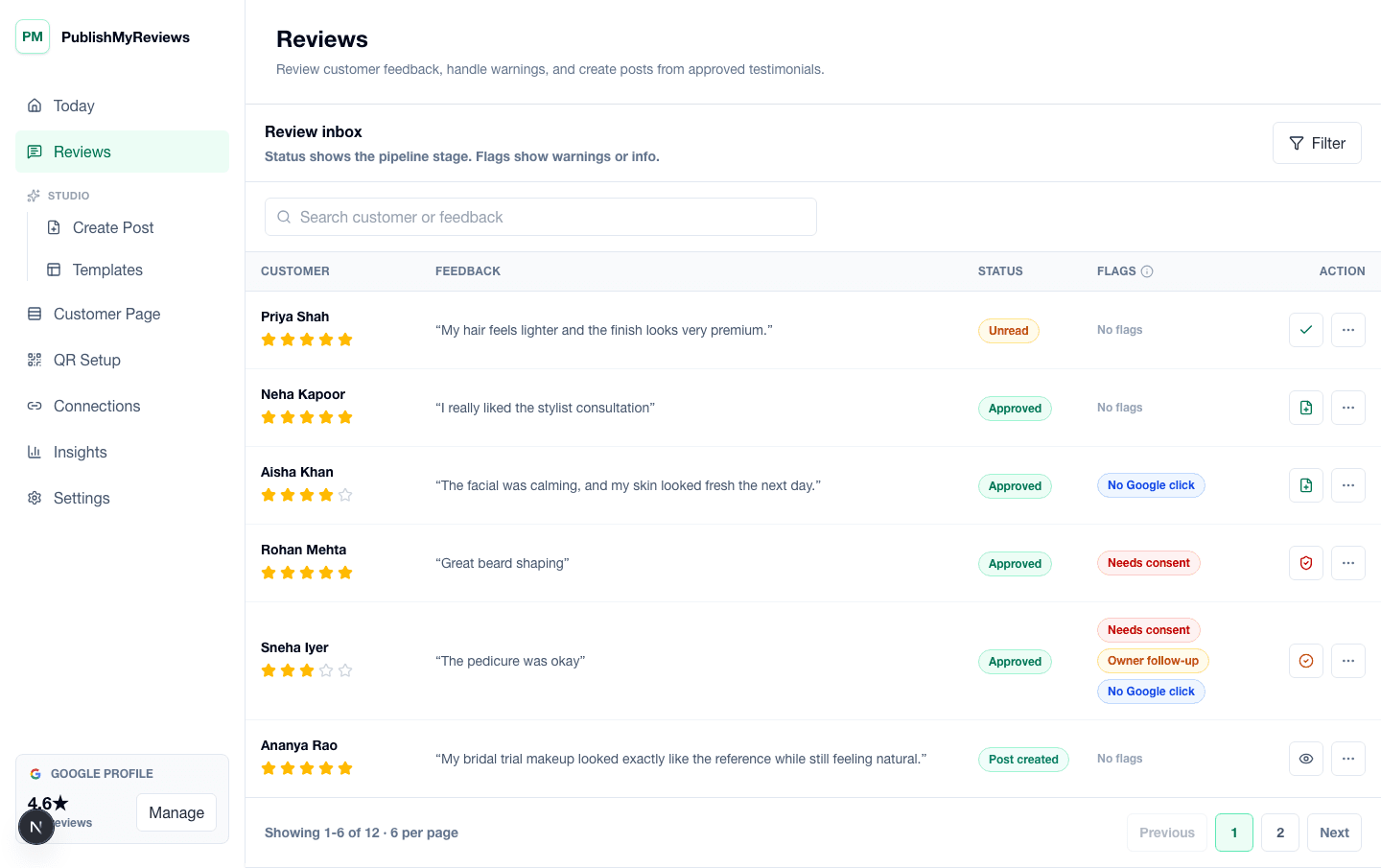
Posting customer proof should still have an owner-controlled approval step. Some reviews are perfect for public social proof, some are better answered with a reply, and some need follow-up. PublishMyReviews keeps approval status, review details, and channel readiness visible so the team can publish carefully instead of copying screenshots from chats or spreadsheets.
Choose a reusable Instagram template
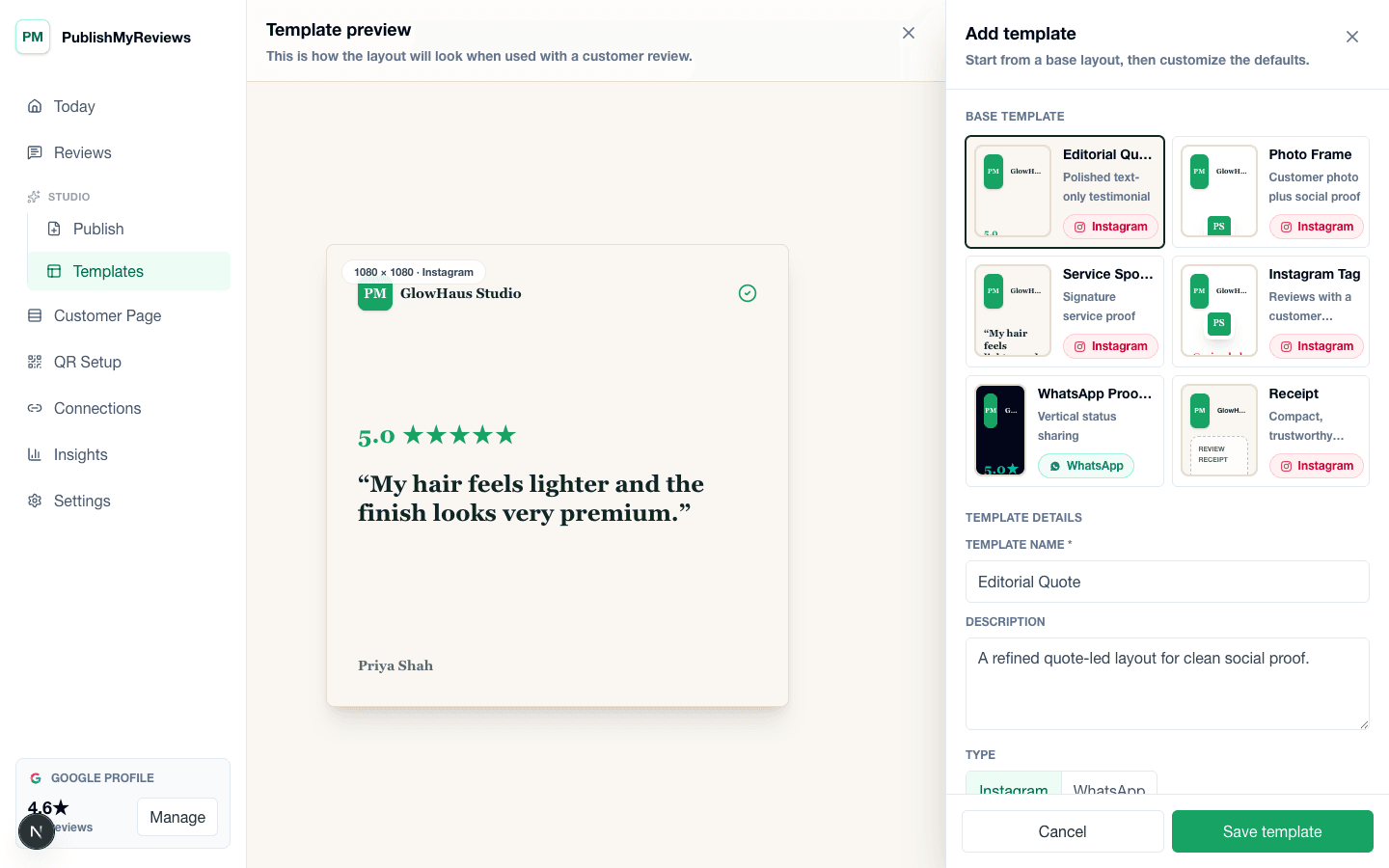
A testimonial post should feel branded without needing a designer for every review. Templates make the review post consistent across quote layout, rating display, customer name, service context, and caption style. The owner can keep the post clean and premium while still letting the customer's words carry the proof.
Honest by design
PublishMyReviews works from your real Google reviews — public, and attributed to the reviewer on Google. We respect anonymous reviewers, never invent quotes, never gate or hide bad reviews, and never post to Google on anyone's behalf. Honest proof, used responsibly.