Search intent
A practical workflow, not a shortcut around customer trust.
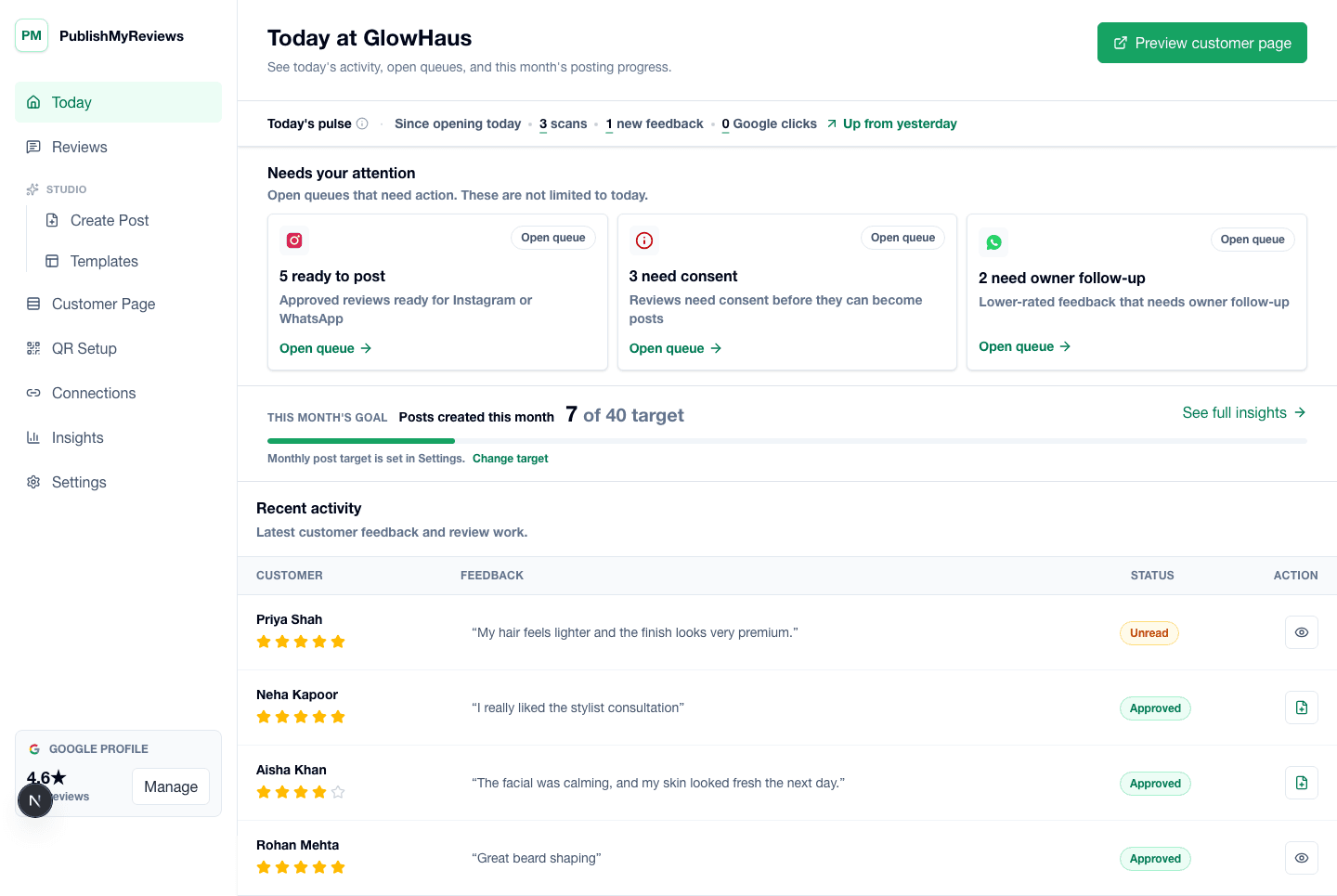
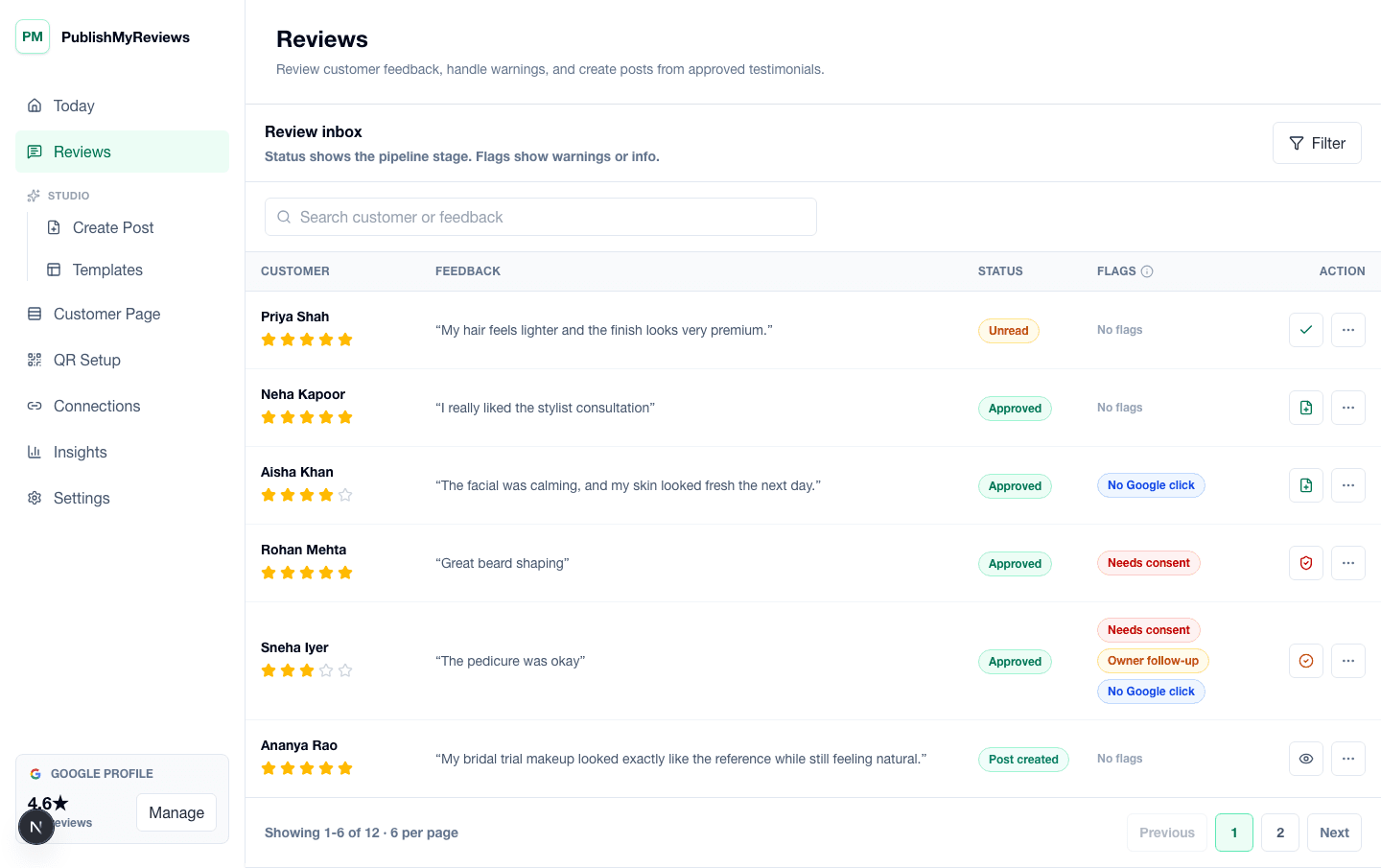
PublishMyReviews syncs your Google reviews into one place, drafts a reply to every one, and turns the best into Instagram posts and WhatsApp-ready stories. You approve everything. A branded QR page sends customers to Google to leave the review in the first place.
What Instagram review automation means
For local businesses, the repetitive work is not earning the review. It's tracking every new review, choosing a design, writing a caption, drafting a reply, and publishing consistently. PublishMyReviews automates and organizes those steps so owners do not have to rebuild a post from screenshots, chats, and manual design files every week.
What should stay manual: approval
Approval should not disappear just because a workflow is faster. The owner decides which reviews become public social proof, which get a reply, and which need follow-up. Because posts use reviews already public on Google, proof stays honest and attributed — and you always have the final say.
What can be automated: templates and rendering
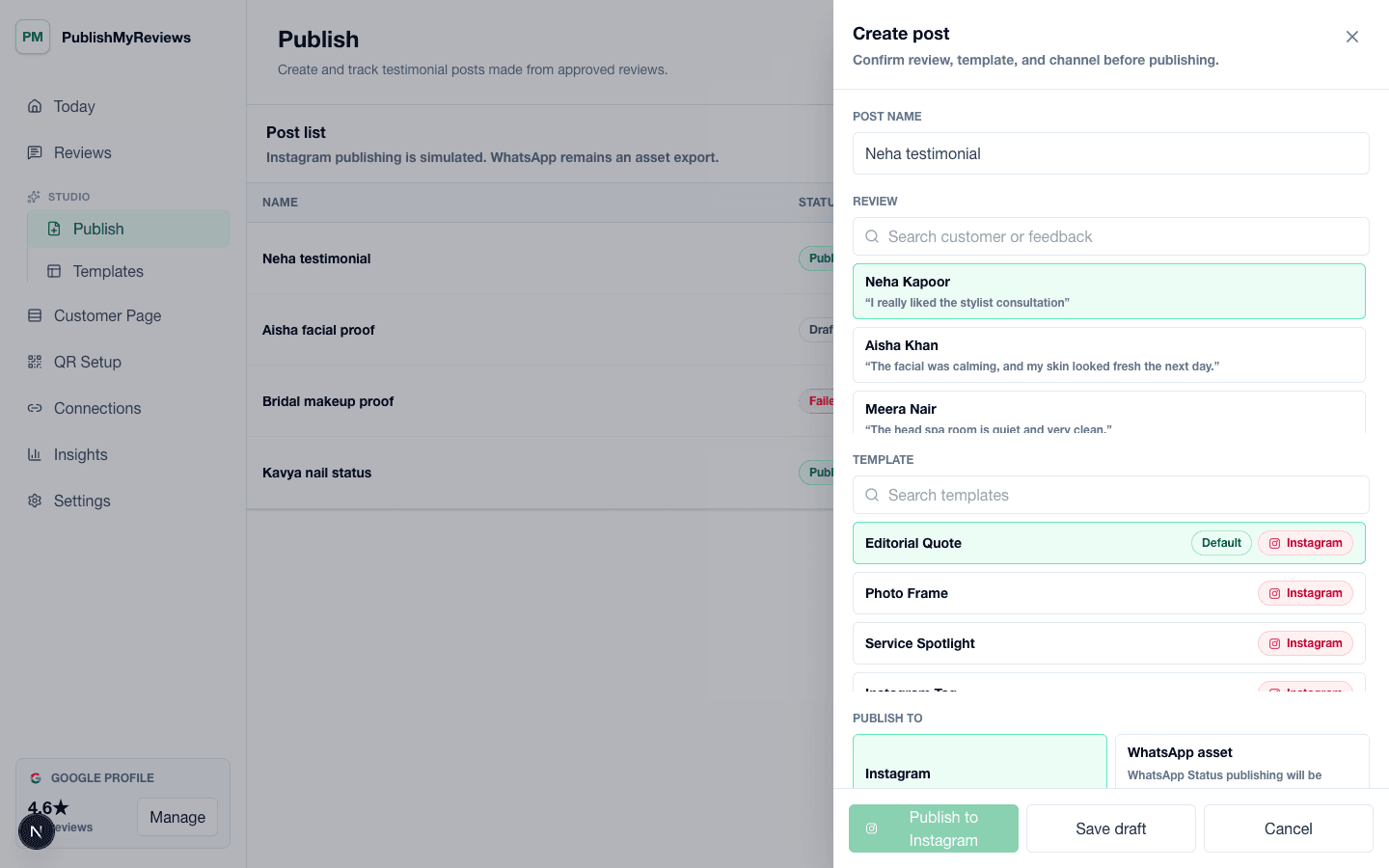
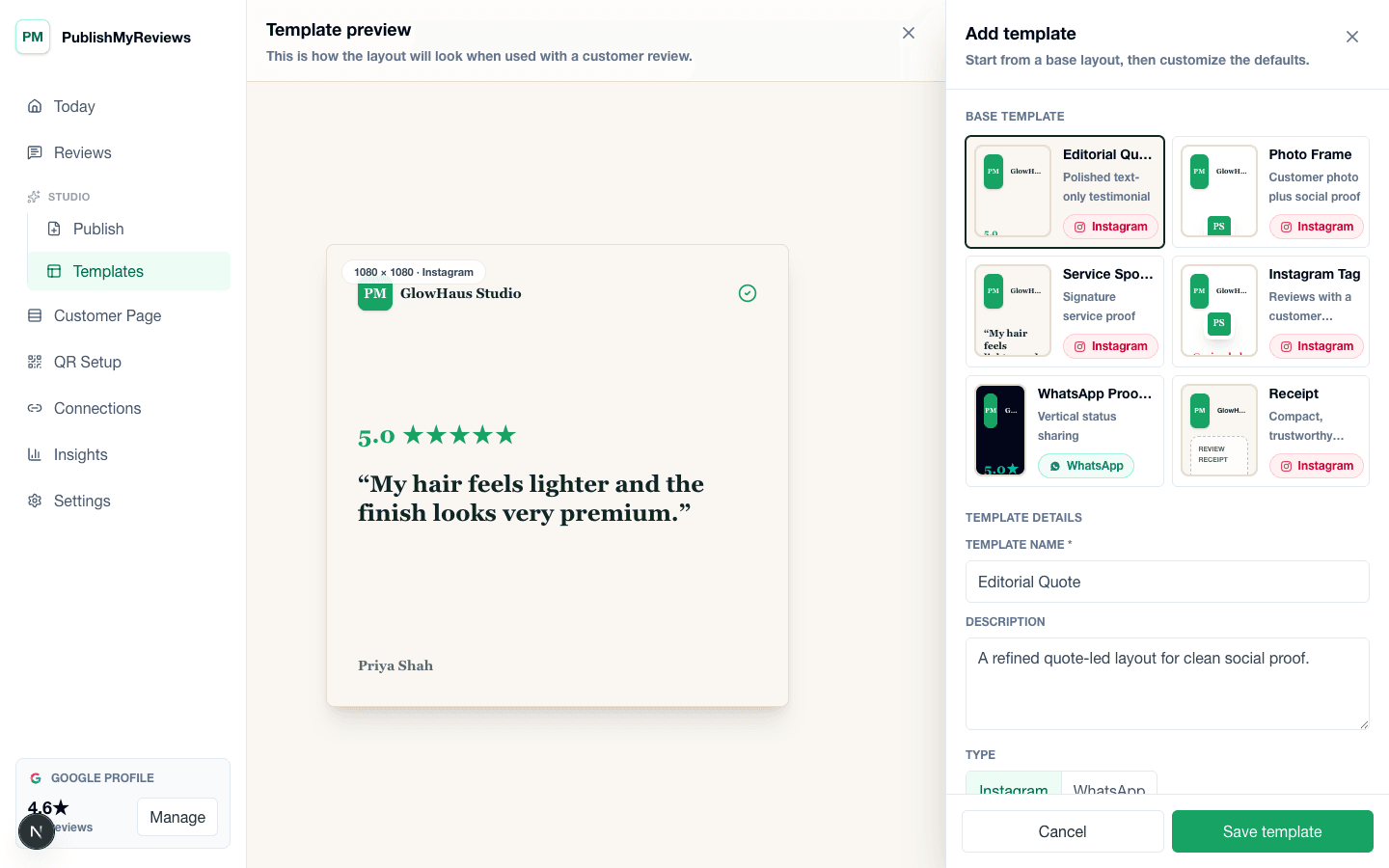
The design and publishing workflow can be made repeatable. Templates carry the brand style, rating layout, quote placement, and post format. Once you approve a review, the system renders it into a clean Instagram-ready creative and keeps caption support close to the post.
What can be automated: publishing workflow
After Instagram setup, approved reviews move through a publishing workflow rather than being manually copied into a design app. This makes weekly posting realistic for busy owners and front-desk teams while preserving the human check on what goes public.
Best fit businesses
Instagram review automation fits salons, cafes, clinics, gyms, studios, coaching centers, and service brands where customers judge quality through recent proof. It works especially well when the business already earns good reviews but struggles to turn them into consistent social posts.
Pricing should match real usage
PublishMyReviews pricing keeps Google review sync uncapped and uses plan limits for Instagram publishes and AI reply usage. That keeps the core review promise open while aligning advanced publishing workflows with plan tiers.
Use automation to reduce design bottlenecks
Most owners do not struggle because they lack positive reviews. They struggle because every one needs to be copied, cropped, styled, captioned, and approved. Automation keeps reviews, templates, captions, and publishing status in one workflow so content moves without depending on a separate design task every time.
Keep staff work simple
The front-desk or counter team should not need to understand the full content system. Their job is to place the QR code and invite customers to leave a Google review. The owner or manager handles approvals, replies, templates, and publishing later.
Avoid shortcuts that damage trust
Instagram review automation should never mean inventing praise, hiding unhappy customers, or posting to Google for people. The safer workflow is to ask consistently, keep the Google path clear, and publish only real reviews you approve. That is slower than a gimmick, but much stronger for a serious local brand.