
What review-to-social automation means
The workflow connects Google review sync, owner approval, template selection, and export or publishing steps so owners are not rebuilding content manually every week.
Review to social media
PublishMyReviews syncs your Google reviews and turns the best into Instagram posts and WhatsApp-ready stories. The automation is about organizing the workflow, not posting to Google for anyone.
Search intent
PublishMyReviews syncs your Google reviews into one place, drafts a reply to every one, and turns the best into Instagram posts and WhatsApp-ready stories. You approve everything. A branded QR page sends customers to Google to leave the review in the first place.
The workflow connects Google review sync, owner approval, template selection, and export or publishing steps so owners are not rebuilding content manually every week.
Customers scan a QR code at the point of service and leave their review on Google. Every review then syncs back into one place.
Owner approval keeps the social proof workflow practical. It gives the business a chance to check context and whether the review is suitable for public use before it goes out.
Approved reviews can become branded Instagram review posts using reusable templates and captions.
The same approved review can become a vertical story asset that your team can share manually on WhatsApp.
Customers post their reviews on Google themselves. PublishMyReviews syncs those reviews and turns the approved ones into social proof assets — we never post to Google for anyone.
Product screenshots
These screens show how review sync, drafted replies, templates, and publishing sit inside one owner workflow.
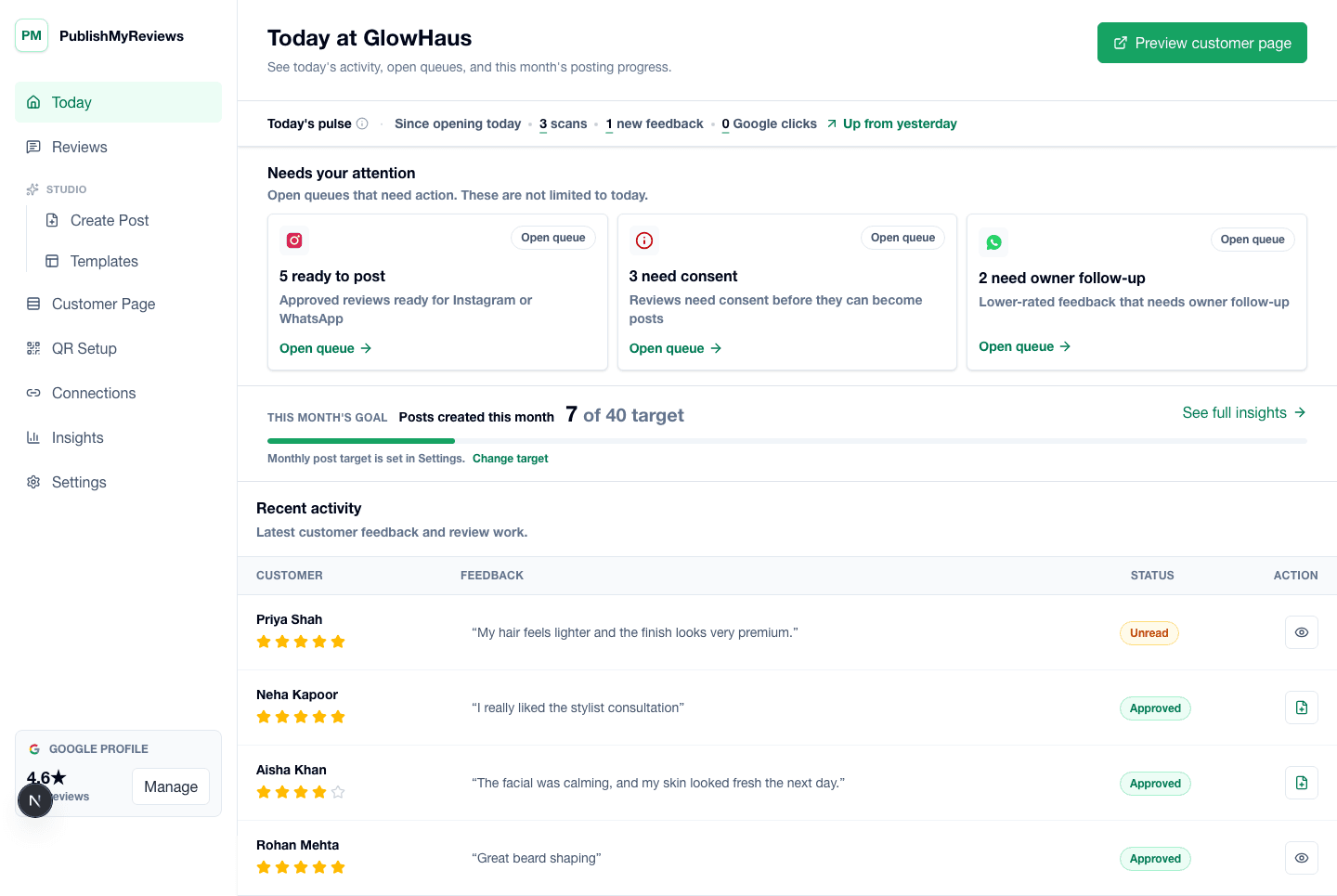
PublishMyReviews owner dashboard showing synced Google reviews, drafted replies, and content workflow status.
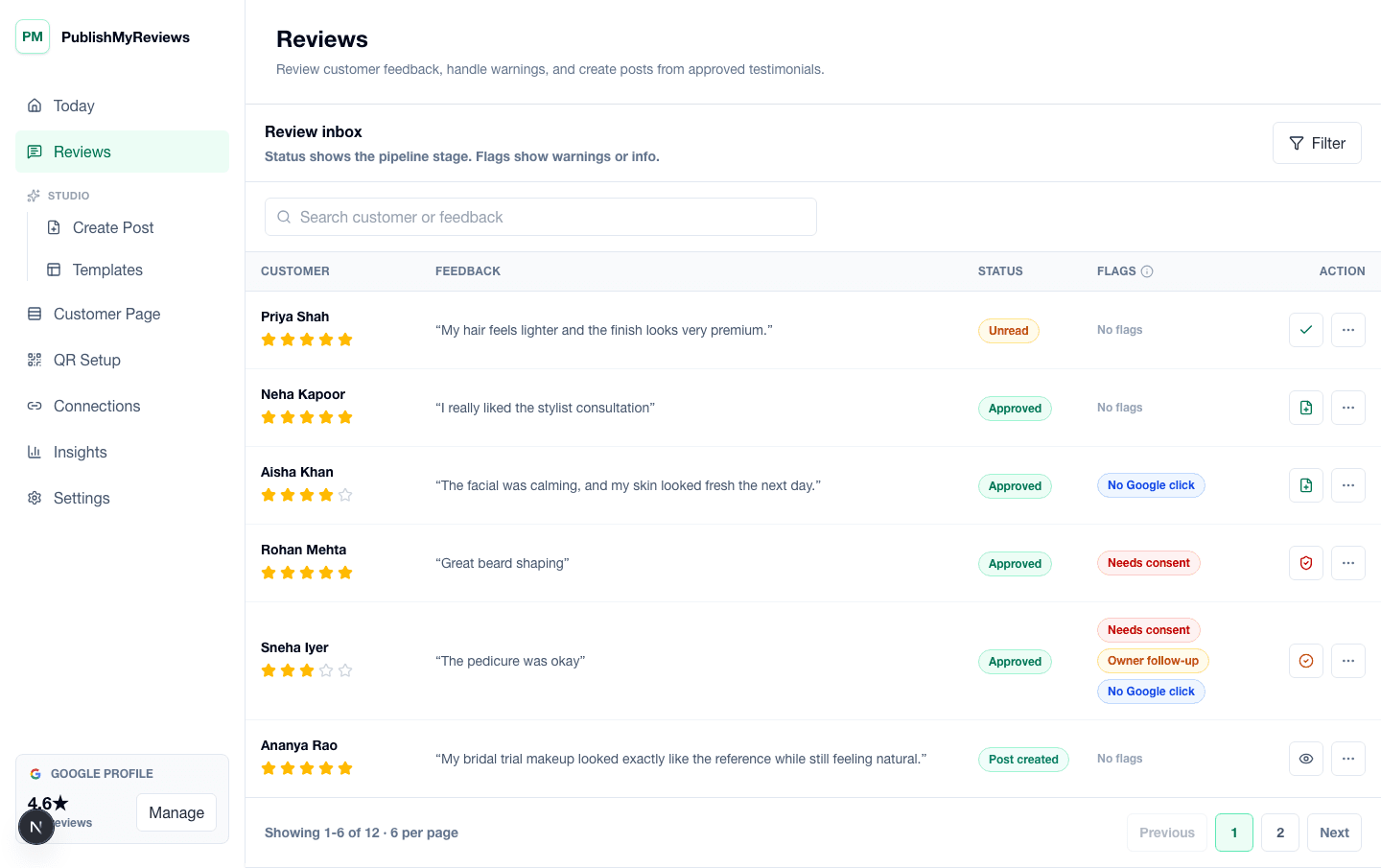
PublishMyReviews review inbox showing synced Google reviews, drafted replies, and next steps.
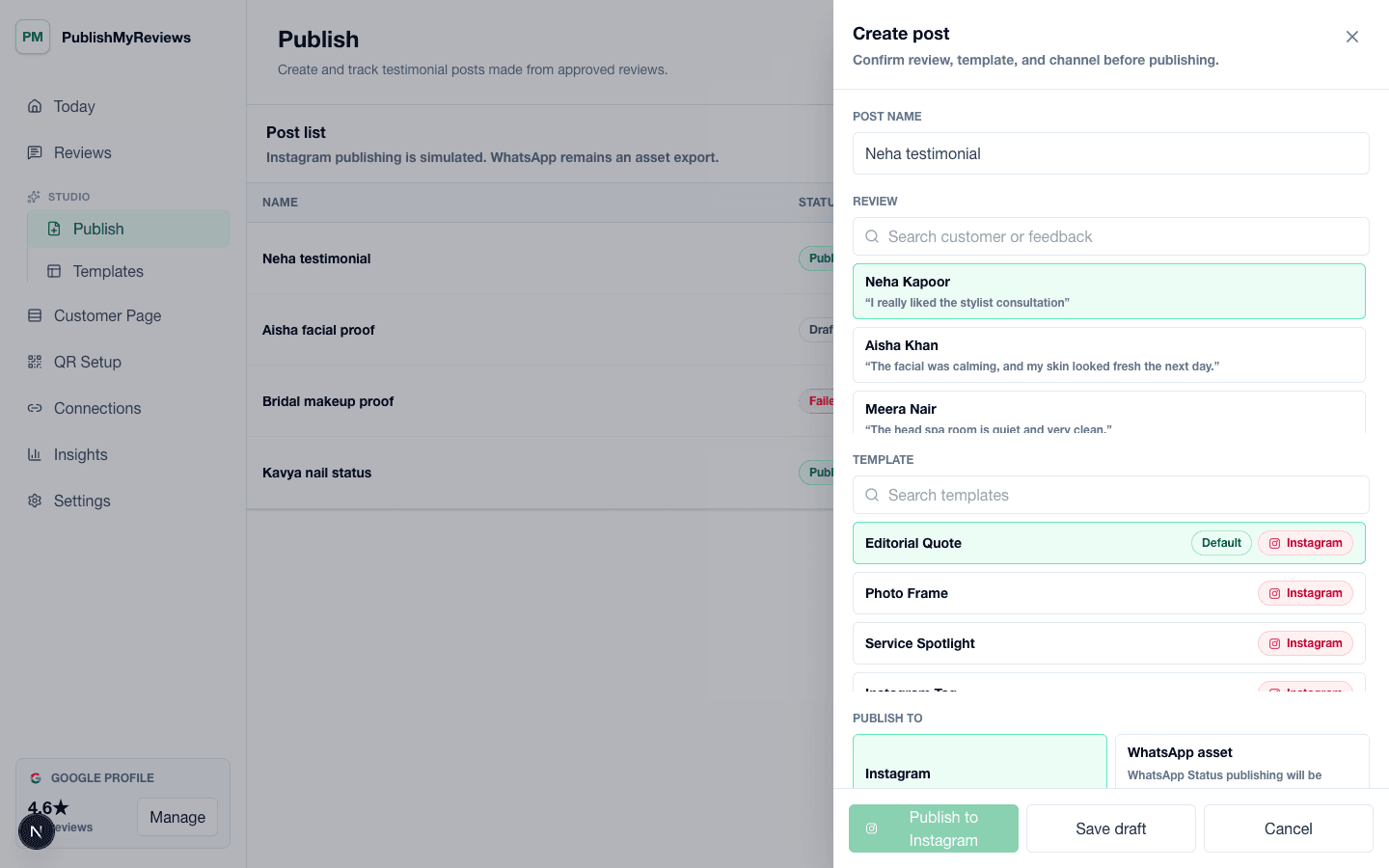
PublishMyReviews create post workflow for turning approved Google reviews into Instagram and WhatsApp-ready proof.
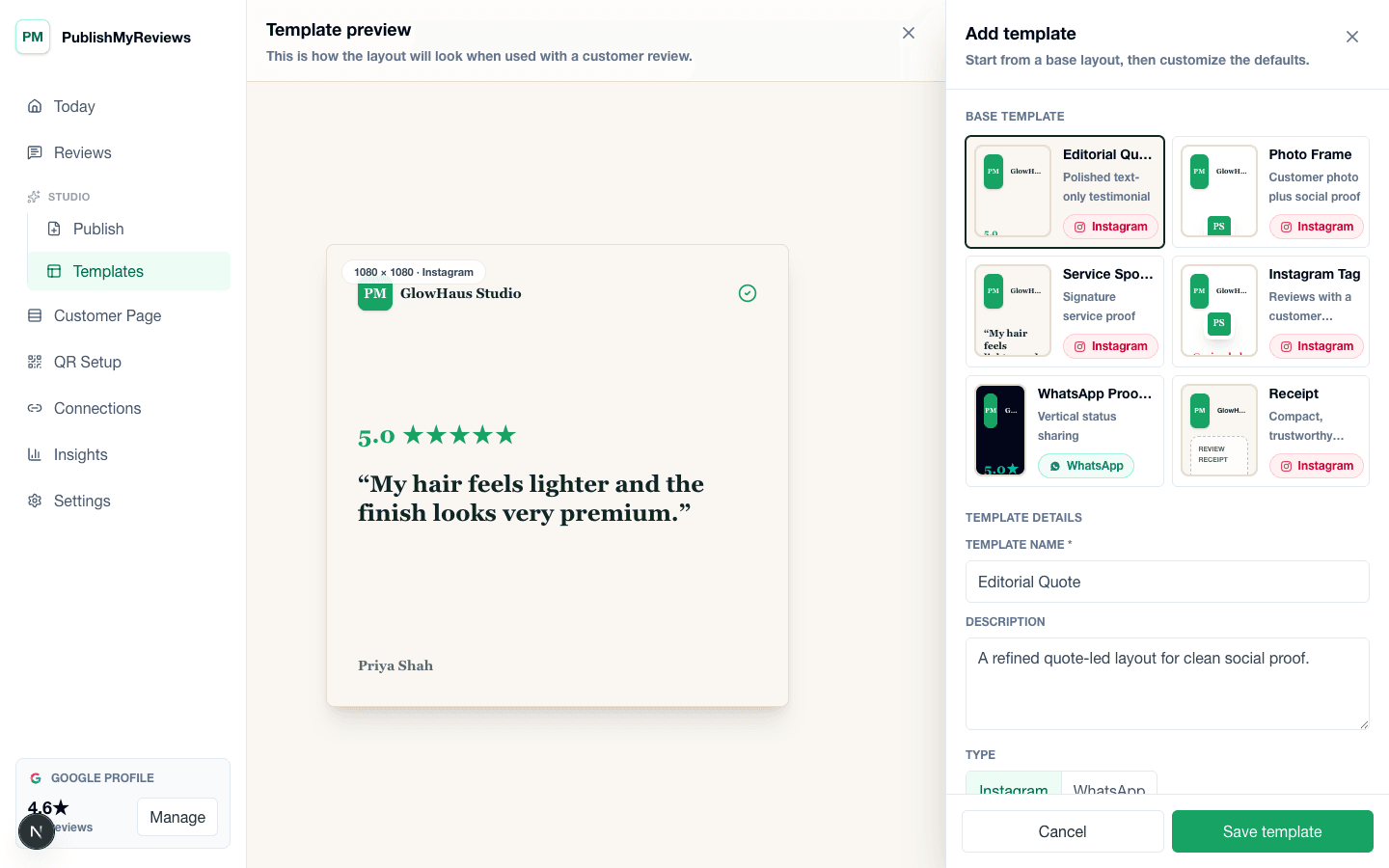
PublishMyReviews template builder for creating Instagram and WhatsApp-ready testimonial layouts.
Related workflows
These links connect this page to the core product, pricing, demo path, and related SEO resources.
Post reviews to Instagram
Turn your Google reviews into branded Instagram posts and stories in 5 simple steps — no Canva, no design skills. See the full workflow, plus free tools to do it in minutes.
Read pageWhatsApp Status assets
Turn customer reviews into WhatsApp testimonials — branded, WhatsApp-ready story assets your team can share on Status or in chats.
Read pageInstagram review automation
Automate the workflow from Google review sync to Instagram publishing. Sync your reviews, approve the best, and publish branded review posts — you stay in control.
Read pageBuilt for
The same flow, configured for the moments that exist in your vertical. See all industries.
Yes. PublishMyReviews helps you turn your approved Google reviews into branded Instagram posts using reusable templates. You approve each one.
PublishMyReviews creates WhatsApp-ready story assets that your team can share manually. Full WhatsApp Status automation is not promised in V1.
It syncs your Google reviews automatically, but posting to Instagram or WhatsApp waits for your approval. We never post to Google for anyone.
Start with one QR