PublishMyReviewspublishmyreviews

Reply to Google reviews

Reply to every Google review — without the time drain.

To reply to your Google reviews: connect your Google Business Profile once, and PublishMyReviews syncs every review and drafts a reply to each in your voice. You edit if you want, approve, and the reply posts to Google. Replying to reviews is one of the clearest trust signals a local business can send — it shows future customers you are present and you care — but doing it well for every review is what slips first. This page covers how to reply well, why it matters, and how to make it repeatable so no review goes unanswered.

Search intent

A practical workflow, not a shortcut around customer trust.

PublishMyReviews syncs your Google reviews into one place, drafts a reply to every one, and turns the best into Instagram posts and WhatsApp-ready stories. You approve everything. A branded QR page sends customers to Google to leave the review in the first place.

Why replying to Google reviews matters

A reply is public. When a future customer reads your reviews, they also read how you respond — a thoughtful reply to praise shows warmth, and a calm, useful reply to criticism shows you take service seriously. Businesses that reply consistently look more present and more trustworthy than identical businesses that leave reviews unanswered. Google has also said that responding to reviews is good practice for engagement. The problem is never knowing you should reply — it is finding the time to do it well, for every review, every week.

How AI-drafted replies work

PublishMyReviews reads each synced review and drafts a reply in your voice — acknowledging what the customer actually said rather than pasting a generic 'Thank you for your feedback.' A five-star review about a specific stylist gets a reply that mentions the service; a three-star review about a wait time gets a calm, specific response. You are never starting from a blank box, which is the real reason replies pile up.

You approve every reply

AI drafts; you decide. Every reply waits for your approval before it posts to Google, and you can edit any draft first. There is no behind-your-back auto-replying — the drafting removes the effort, not your control. (Hands-off reply-to-all is on our roadmap; today, a human approves each one.)

Replying to negative reviews

A calm, specific reply to a critical review is often more persuasive to future customers than the complaint itself — it shows you listen and act. AI drafts a measured first response you can adjust; the goal is never to argue, but to acknowledge, take it offline where needed, and show the next reader you handle problems well. We never hide, filter, or gate a bad review — replying well is the honest alternative.

Keep every reply in your voice

Generic replies read as generic. The drafts match your tone — warm, plain, and specific to your business — so a customer feels a real person answered. Over time the inbox becomes a few minutes of reading and approving, not an evening of logging into Google and writing from scratch.

One inbox, nothing missed

Reviews scattered across the Google dashboard are easy to miss, and the ones that slip are usually the ones that most needed a reply. Syncing every review into one inbox — with a draft already waiting — is what turns 'we should reply to reviews' into something that actually happens for every review.

Step by step

How to reply to Google reviews (with AI)

Replying to every Google review takes four steps once your profile is connected — and you approve everything before it goes live.

  1. Connect your Google Business Profile

    Link your profile once. Every review — past and new — syncs into one inbox in real time, so nothing gets missed in the Google dashboard.

  2. Let AI draft a reply in your voice

    For each review, AI drafts a reply that sounds like you — specific to what the customer said, warm, and on-brand. No blank box to stare at.

  3. Edit and approve

    Read the draft, tweak a line if you want, and approve. Nothing is ever sent in your name until you say so — you keep the final say on every reply.

  4. It posts to Google

    Once approved, the reply posts to Google under your business. You work through the inbox in minutes instead of logging into the dashboard review by review.

Related: Google review automation software · Get more Google reviews

Product screenshots

See the review-to-social workflow in the product.

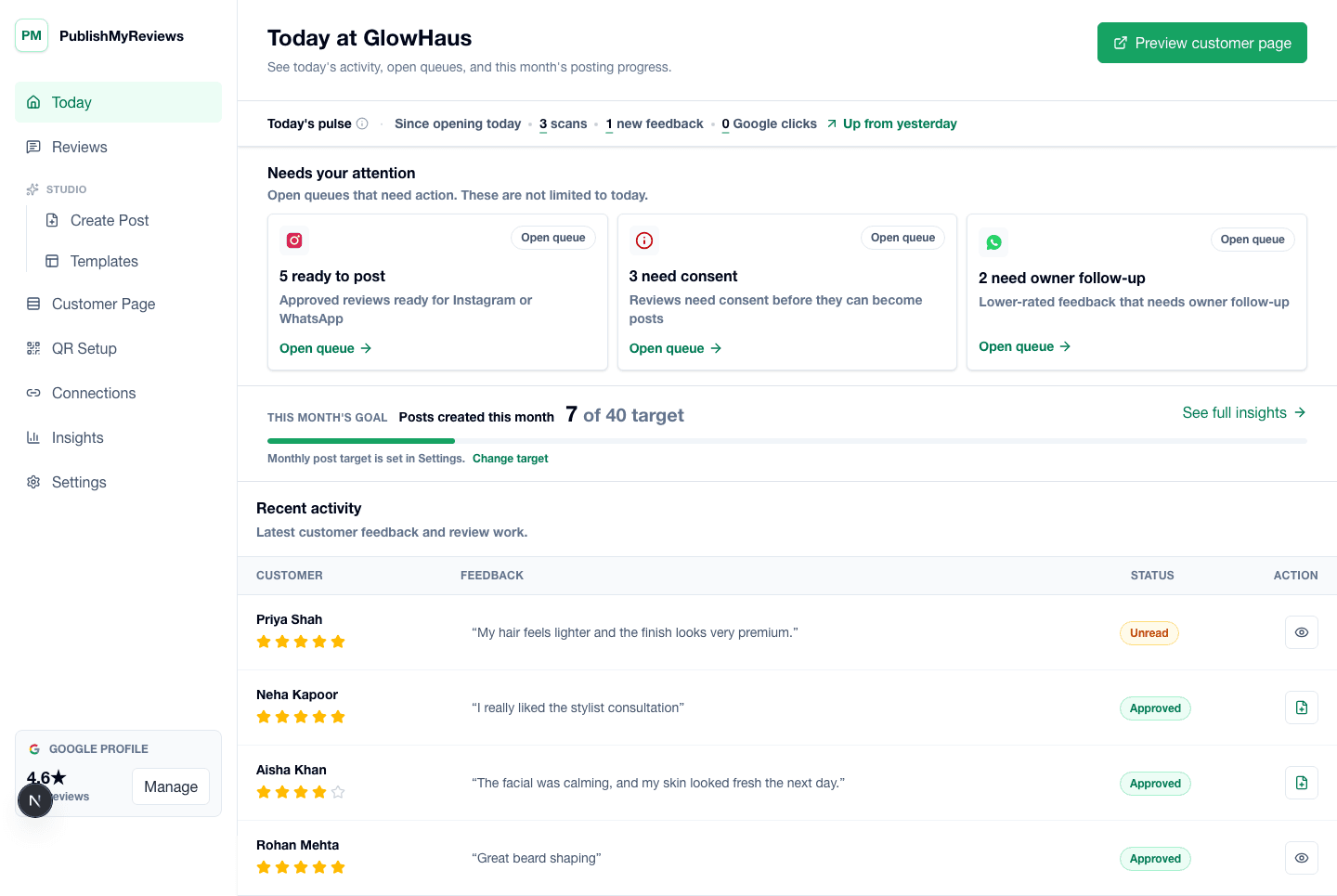
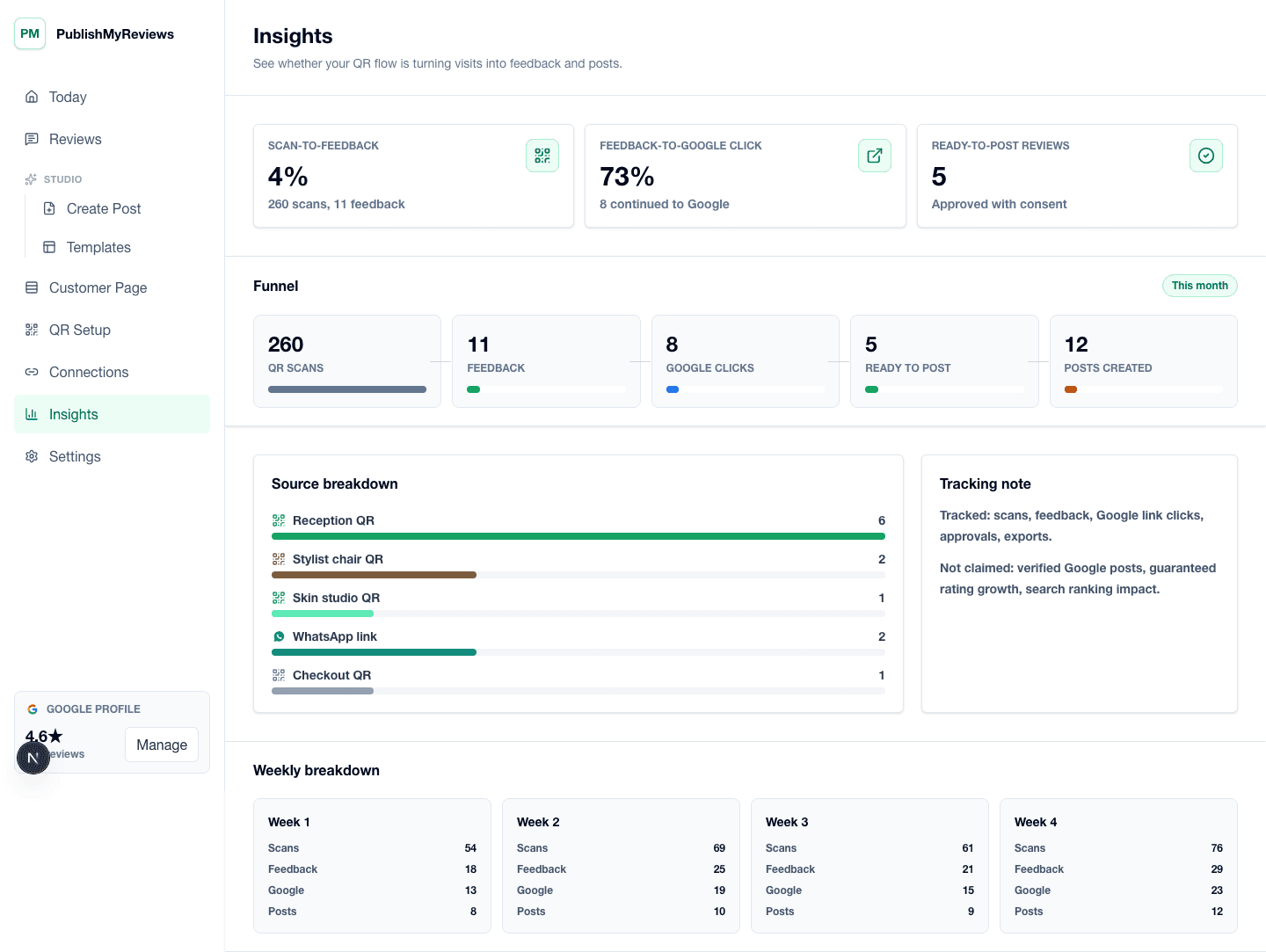
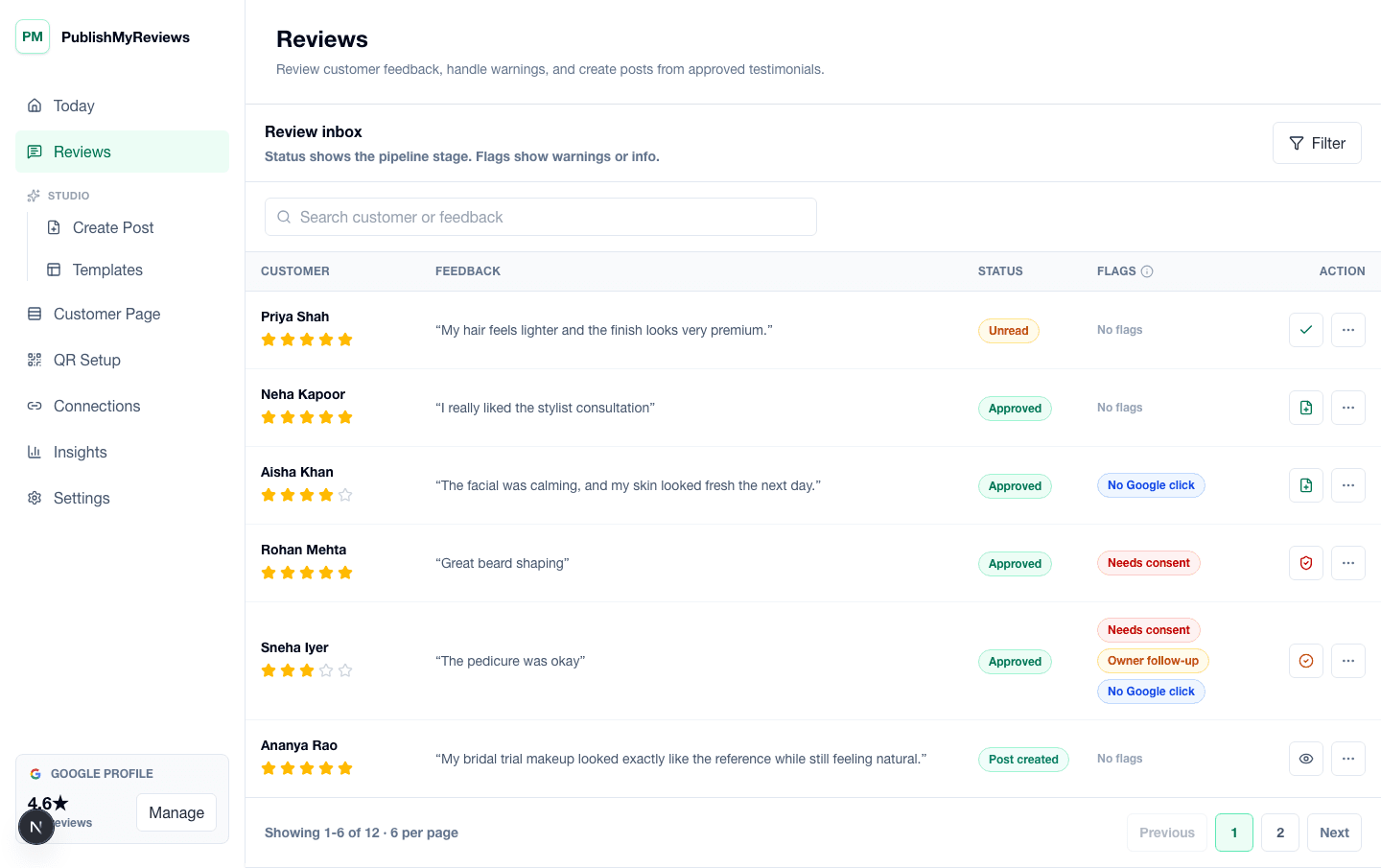
These screens show how review sync, drafted replies, templates, and publishing sit inside one owner workflow.

PublishMyReviews review inbox showing synced Google reviews, drafted replies, and next steps.

PublishMyReviews review inbox showing synced Google reviews, drafted replies, and next steps.

PublishMyReviews owner dashboard showing synced Google reviews, drafted replies, and content workflow status.

PublishMyReviews owner dashboard showing synced Google reviews, drafted replies, and content workflow status.

AI insights screen showing rating trends, review themes, and what customers love and want fixed.

AI insights screen showing rating trends, review themes, and what customers love and want fixed.

Built for

Where this workflow fits in your day.

The same flow, configured for the moments that exist in your vertical. See all industries.

FAQ

Practical answers before you choose a workflow.

Book a 15-min demo

How do I reply to Google reviews?

Connect your Google Business Profile, and PublishMyReviews syncs every review and drafts a reply to each in your voice. You edit if you want, approve, and the reply posts to Google — so you can work through all your reviews in minutes.

Can AI reply to my Google reviews for me?

AI drafts a reply to every review in your voice, but you approve each one before it posts. The drafting removes the effort; you keep the final say. Fully hands-off reply-to-all is on our roadmap.

Does it auto-reply without my approval?

No. Nothing is ever sent in your name until you approve it. Every drafted reply waits for your review, and you can edit it first.

Can it help me reply to negative reviews?

Yes. AI drafts a calm, specific first response to critical reviews that you can adjust before it posts. We never hide or filter negative reviews — a good public reply is the honest way to handle them.

Is replying to Google reviews good for SEO?

Responding to reviews is good practice for engagement and trust, and Google encourages it. It also makes your Business Profile look more active and cared-for to the next customer reading your reviews.

Start with one QR

Build a real review-to-content workflow before scaling.

Book a 15-min demo