PublishMyReviewspublishmyreviews

Respond to negative reviews

Respond to negative reviews — calmly, in a way that wins trust.

The best response to a negative Google review is short, calm, and specific: thank the customer, acknowledge the issue, take the details offline, and show you take service seriously. Future customers read your replies more closely than the complaint itself — a measured response often does more for trust than the one-star review does to hurt it. PublishMyReviews syncs your reviews, drafts a considered reply to each in your voice, and lets you approve it before it posts. We never hide, filter, or gate a bad review — responding well is the honest alternative.

Search intent

A practical workflow, not a shortcut around customer trust.

PublishMyReviews syncs your Google reviews into one place, drafts a reply to every one, and turns the best into Instagram posts and WhatsApp-ready stories. You approve everything. A branded QR page sends customers to Google to leave the review in the first place.

Why responding to negative reviews matters

A negative review with no reply looks worse than a negative review with a calm, specific response beneath it. The next customer is reading both. A good reply shows you are present, that you take problems seriously, and that a bad day is not how you normally operate. Left unanswered, a critical review is the last word; answered well, it becomes proof that you care. That is why the response matters more than the rating.

The response formula that works

Acknowledge the experience, apologise where an apology is genuinely due, take the specifics to a private channel, and keep it brief and professional. Avoid getting defensive, disputing details line by line, or explaining why the customer is wrong — even when they are. The reply is not really for the reviewer; it is for every future customer who reads it, and calm always outperforms defensive.

What not to do

Do not argue in public, do not share private details about the customer or their visit, and do not post a generic 'We're sorry you feel that way,' which reads as dismissive. And never try to bury the review — hiding or gating negative feedback breaks customer trust and Google's policies. The honest move is a good public reply.

Can you remove a negative Google review?

You cannot delete a genuine negative review just because you dislike it, and you should not want to — a page of only-perfect reviews reads as fake. You can report a review to Google if it violates their policies (spam, off-topic, fake, or offensive content), but a genuine unhappy customer is best handled with a thoughtful reply, not a takedown.

Use AI to draft a measured reply

The hardest part of replying to criticism is writing calmly when you feel defensive. PublishMyReviews drafts a measured first response for every review in your voice — specific to what the customer said — so you start from a level-headed draft instead of a blank box. You edit, approve, and it posts. You stay in control; the AI just takes the emotional edge off the first draft.

Step by step

How to respond to a negative Google review

A good response to a critical review follows the same shape every time. PublishMyReviews drafts it for you; you approve before it posts.

  1. Pause before you reply

    Don't respond while annoyed. Read the review carefully and separate the fair point from the tone. A calm reply always reads better to the next customer.

  2. Acknowledge and thank them

    Open by thanking them for the feedback and acknowledging their experience. Even a difficult review is a chance to show future readers you listen.

  3. Take specifics offline

    Offer a way to make it right — a phone number or email — instead of arguing the details in public. Never share private customer information in a reply.

  4. Keep it short and professional

    Two or three sentences is plenty. AI drafts a measured reply in your voice; you edit if you want, approve, and it posts to Google.

Related: Reply to all your Google reviews · What your reviews are telling you

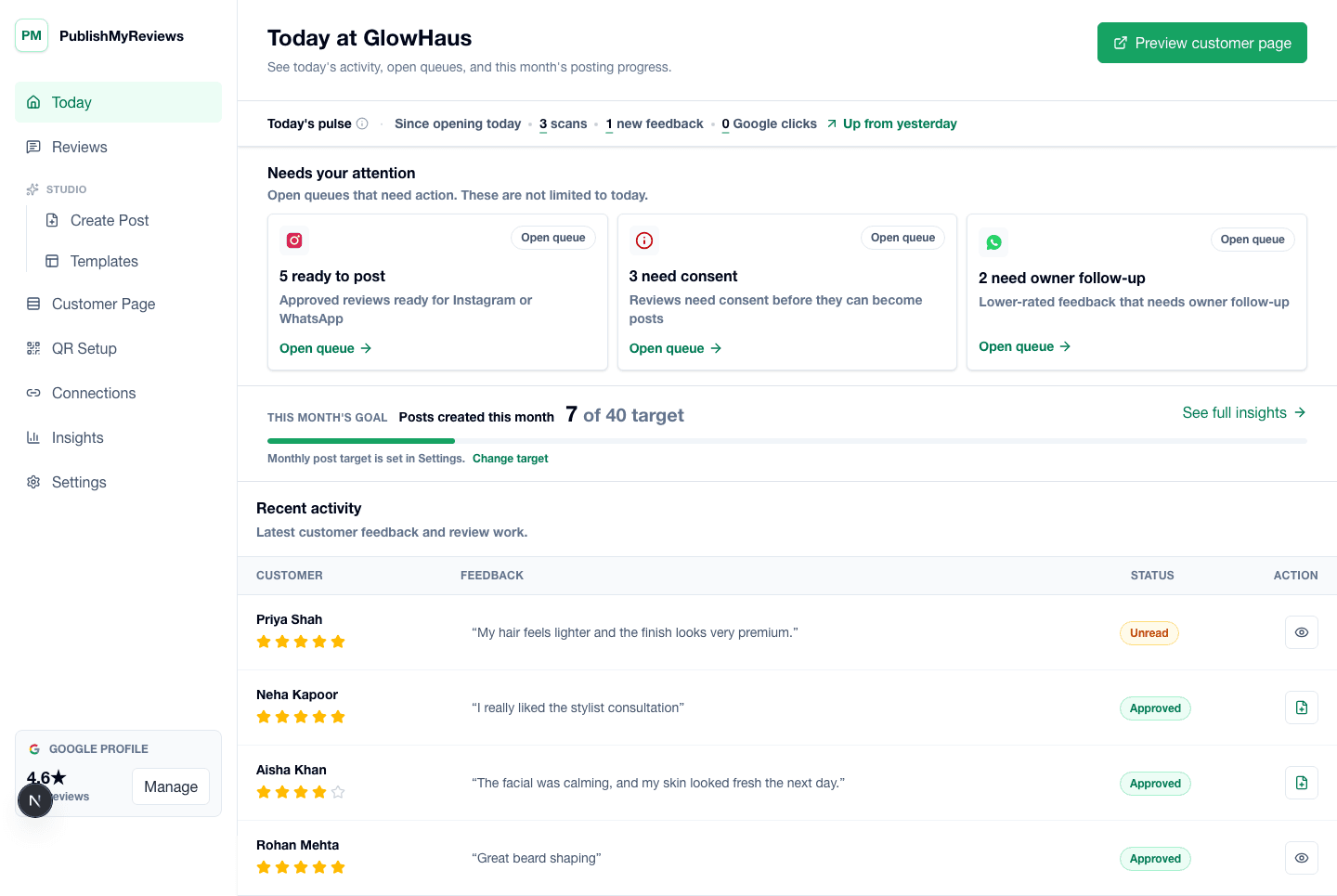
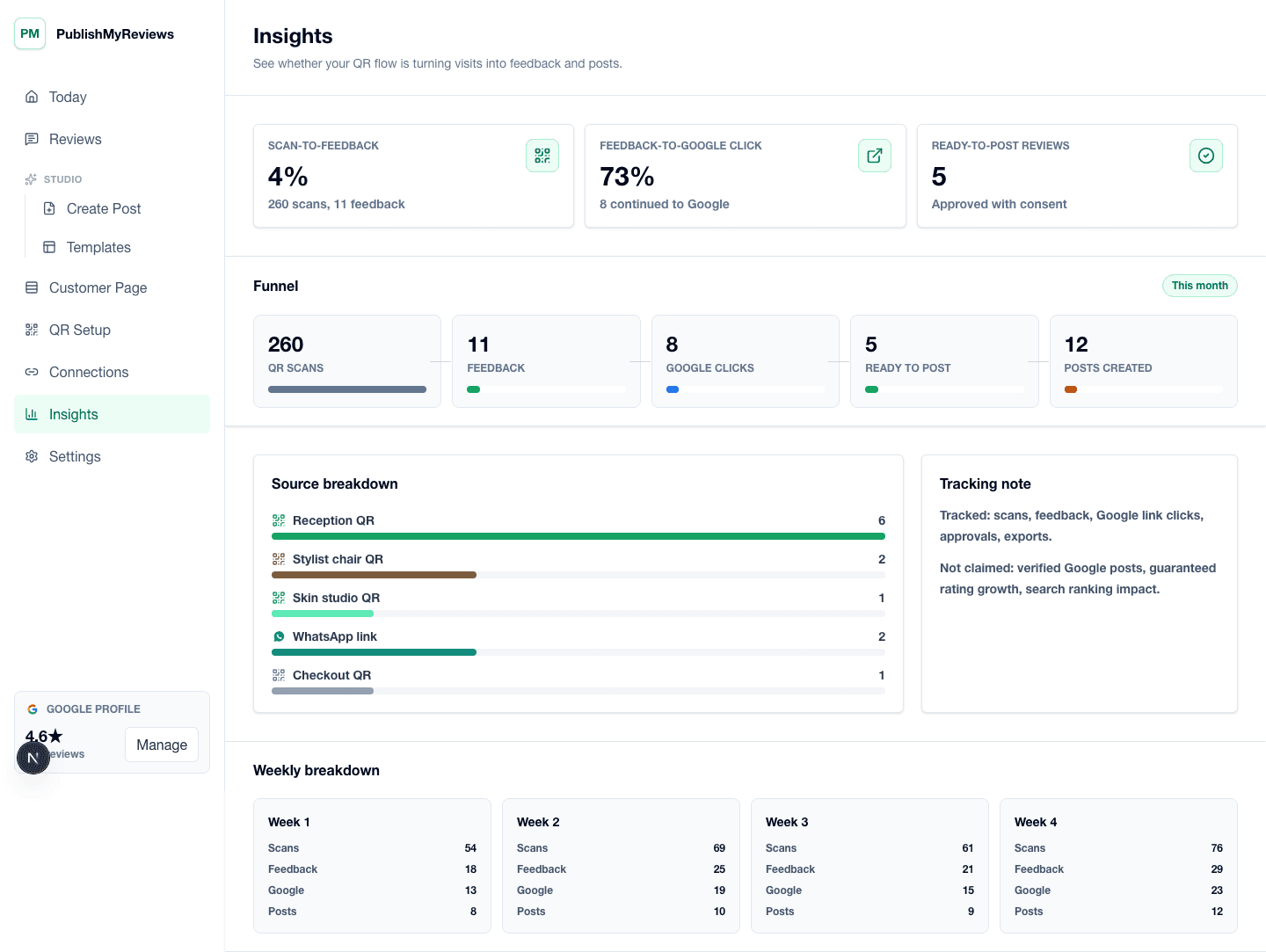
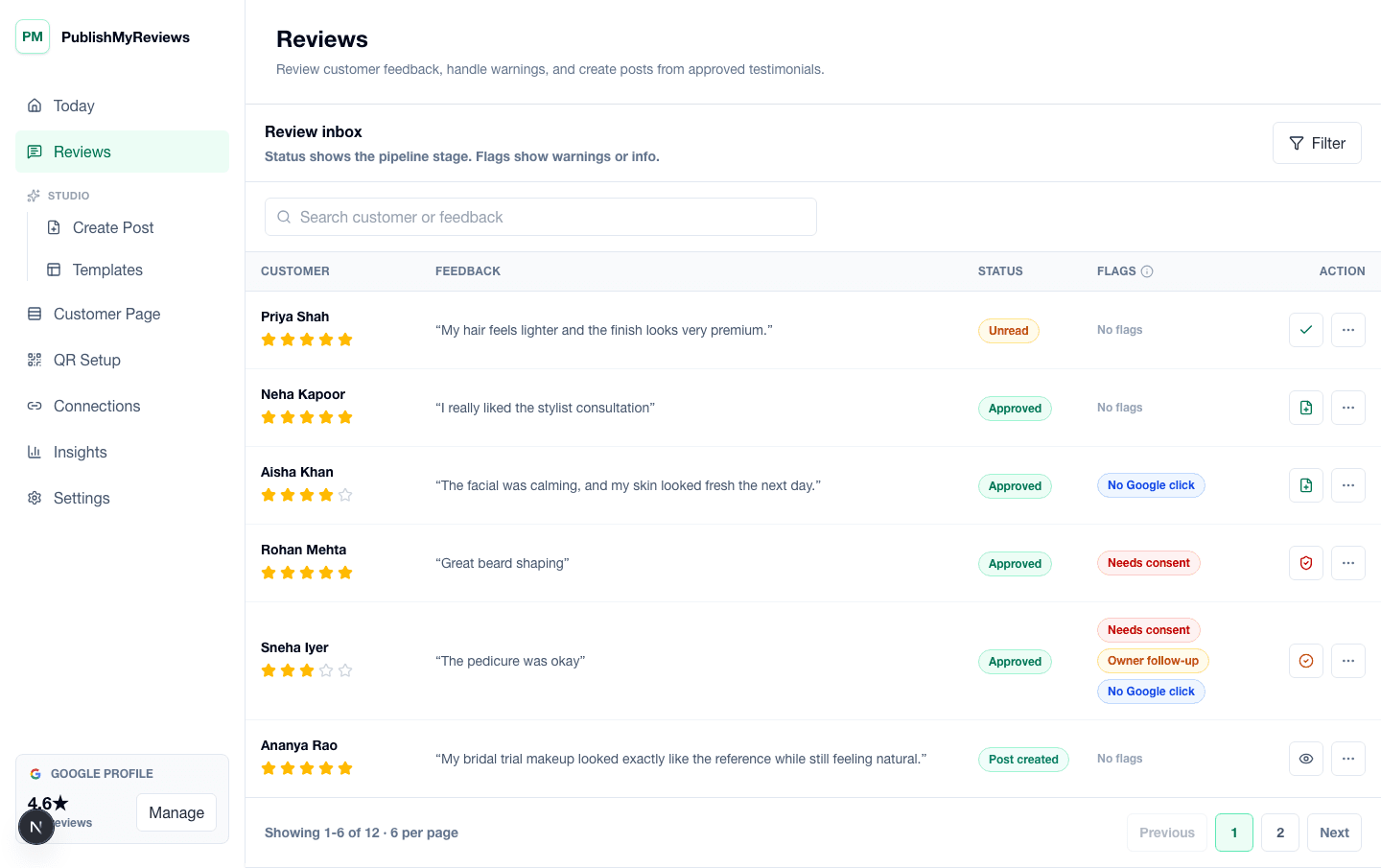
Product screenshots

See the review-to-social workflow in the product.

These screens show how review sync, drafted replies, templates, and publishing sit inside one owner workflow.

PublishMyReviews review inbox showing synced Google reviews, drafted replies, and next steps.

PublishMyReviews review inbox showing synced Google reviews, drafted replies, and next steps.

PublishMyReviews owner dashboard showing synced Google reviews, drafted replies, and content workflow status.

PublishMyReviews owner dashboard showing synced Google reviews, drafted replies, and content workflow status.

AI insights screen showing rating trends, review themes, and what customers love and want fixed.

AI insights screen showing rating trends, review themes, and what customers love and want fixed.

Built for

Where this workflow fits in your day.

The same flow, configured for the moments that exist in your vertical. See all industries.

FAQ

Practical answers before you choose a workflow.

Book a 15-min demo

How do I respond to a negative Google review?

Thank the customer, acknowledge the issue, offer to make it right offline, and keep it short and professional. PublishMyReviews drafts a calm reply in your voice for you to edit and approve before it posts to Google.

Should I reply to bad reviews?

Yes. A calm, specific reply to a critical review reassures every future customer who reads it. An unanswered negative review lets the complaint be the last word; a good reply turns it into proof that you care.

Can I remove a negative Google review?

Not if it's a genuine review — you can only report reviews that violate Google's policies (spam, fake, off-topic, or offensive). For real unhappy customers, a thoughtful public reply works far better than trying to delete the review.

Can AI help me reply to negative reviews?

Yes. AI drafts a measured, on-brand response to each review so you start from a level-headed draft, not a blank box. You always edit and approve before anything posts — nothing goes out in your name automatically.

Start with one QR

Build a real review-to-content workflow before scaling.

Book a 15-min demo