Search intent
A practical workflow, not a shortcut around customer trust.
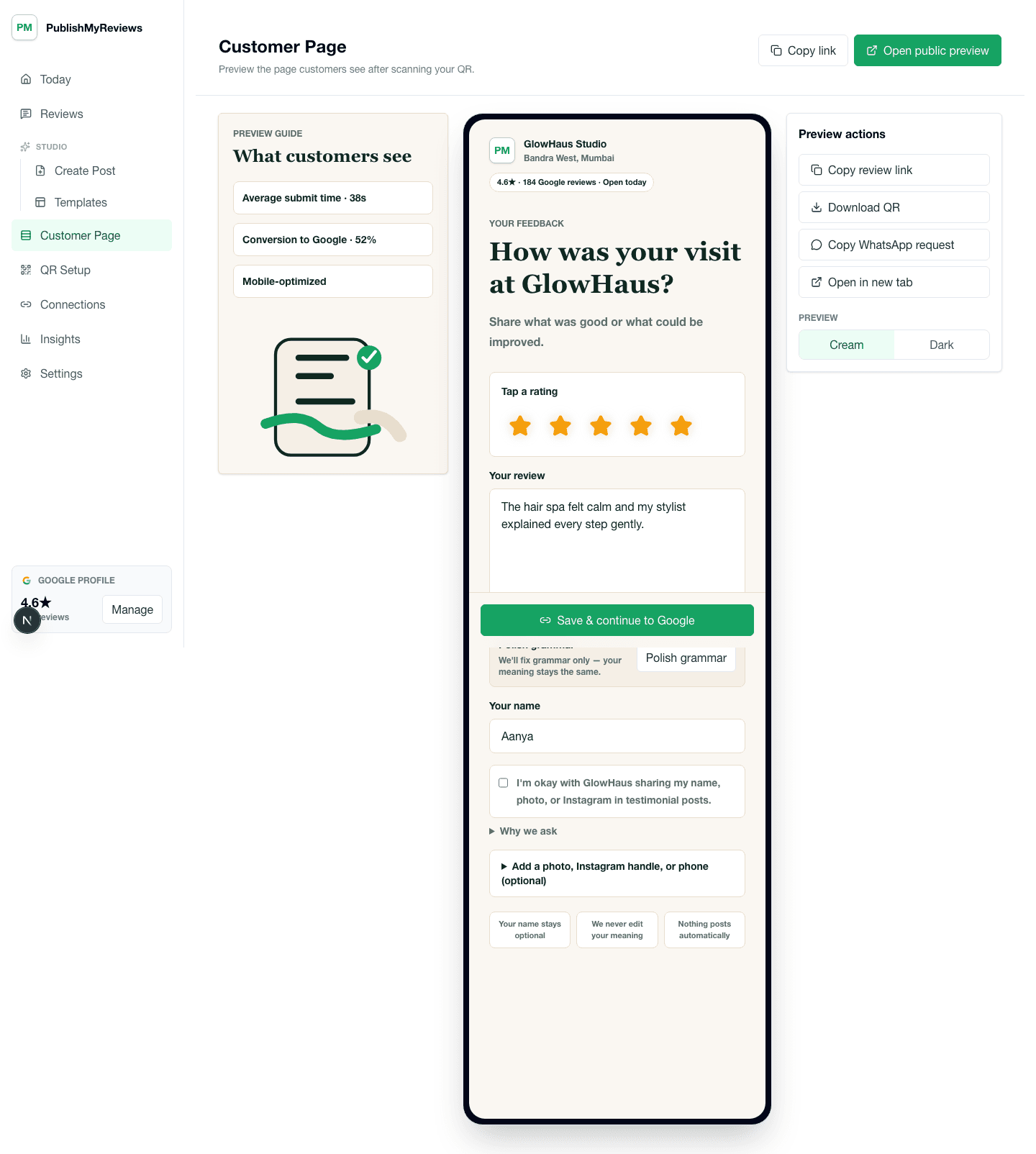
PublishMyReviews syncs your Google reviews into one place, drafts a reply to every one, and turns the best into Instagram posts and WhatsApp-ready stories. You approve everything. A branded QR page sends customers to Google to leave the review in the first place.
Why Google reviews and Instagram proof work together
Google reviews help customers trust the business when they search. Instagram proof helps them see recent customer experiences in a visual, shareable format. For a local business, both channels matter because people often check Google first and Instagram next. A review-to-Instagram workflow turns customer feedback into content that keeps trust visible between searches, referrals, and social discovery.
Synced from Google, not scraped
PublishMyReviews connects to your Google Business Profile and syncs your own reviews through the official flow — not by scraping the web. You own the connection, the reviews stay attributed to Google, and you decide which ones become posts. That's cleaner and safer than copying text from random pages.
Sync every review, in real time
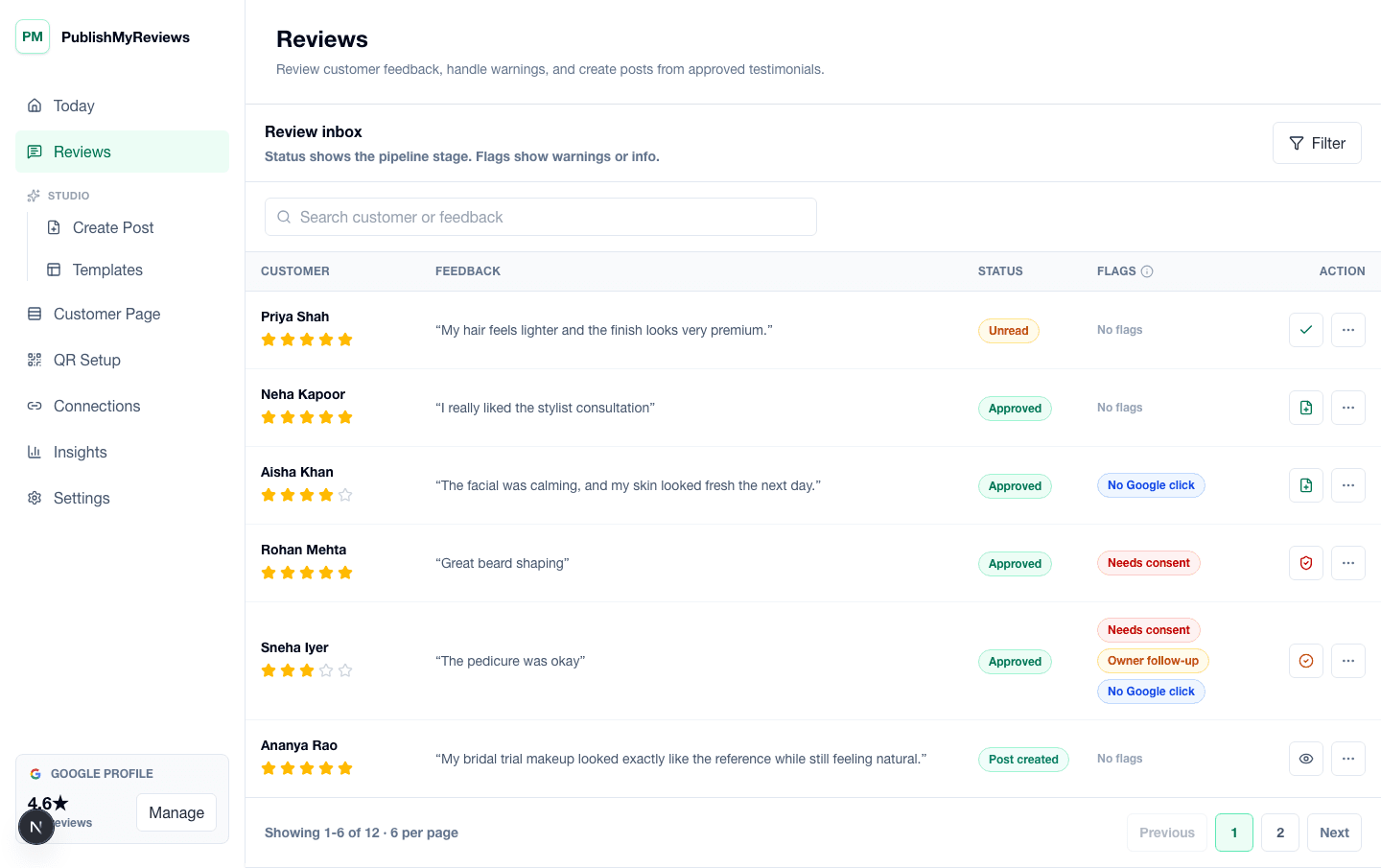
Once you connect Google, every new review flows into your inbox as it lands. Nothing gets lost if a customer forgets to tell you — the rating, the words, and the reviewer name are all there, ready to reply to or turn into a post.
Move approved reviews into posts
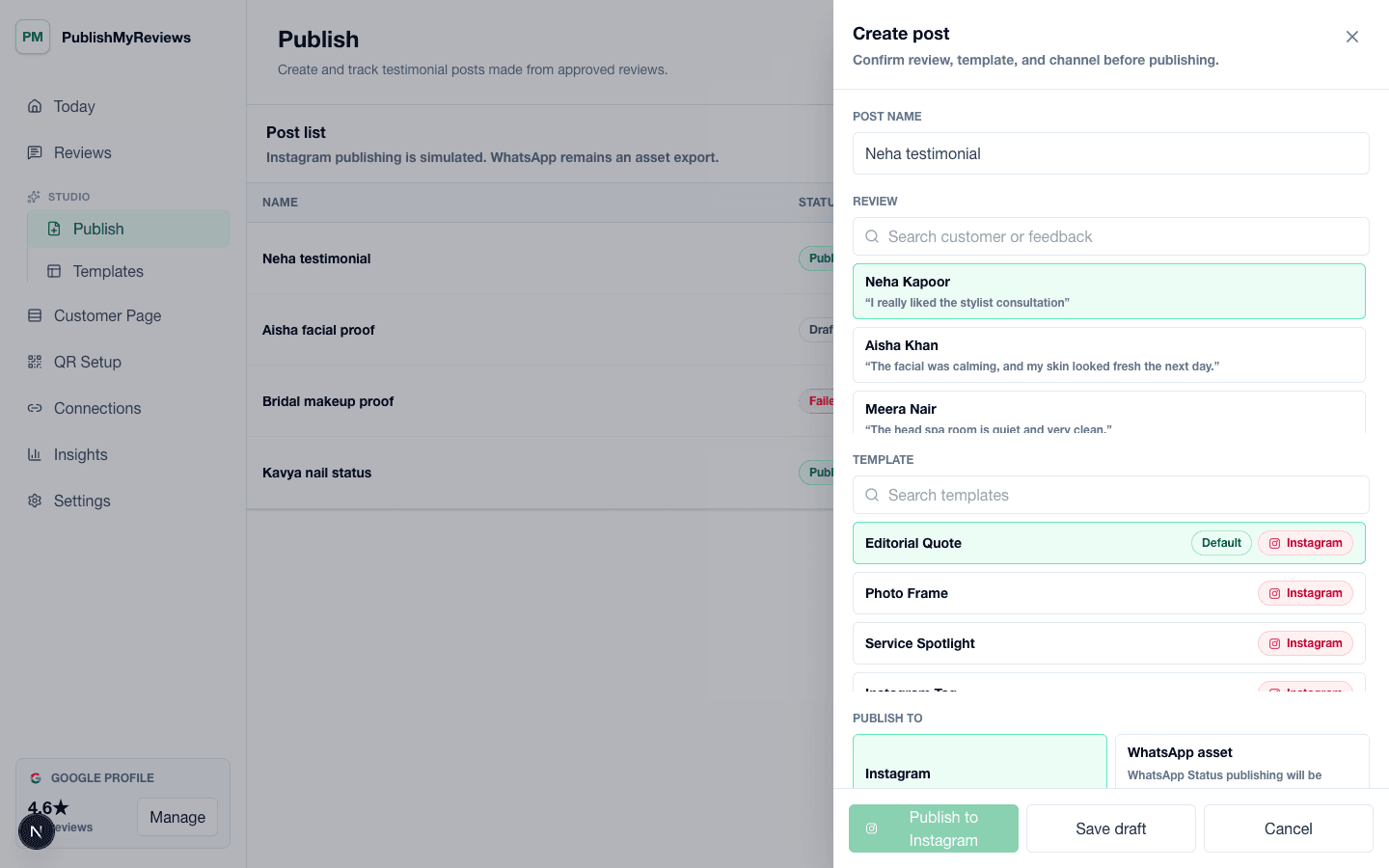
The review inbox helps owners decide which reviews are ready for content. Approve one and it moves into a branded template for an Instagram post, with captions and design options that make it easy to publish. This replaces ad hoc screenshots, copied text, and rushed design work with a repeatable content workflow.
Use templates for different services and moments
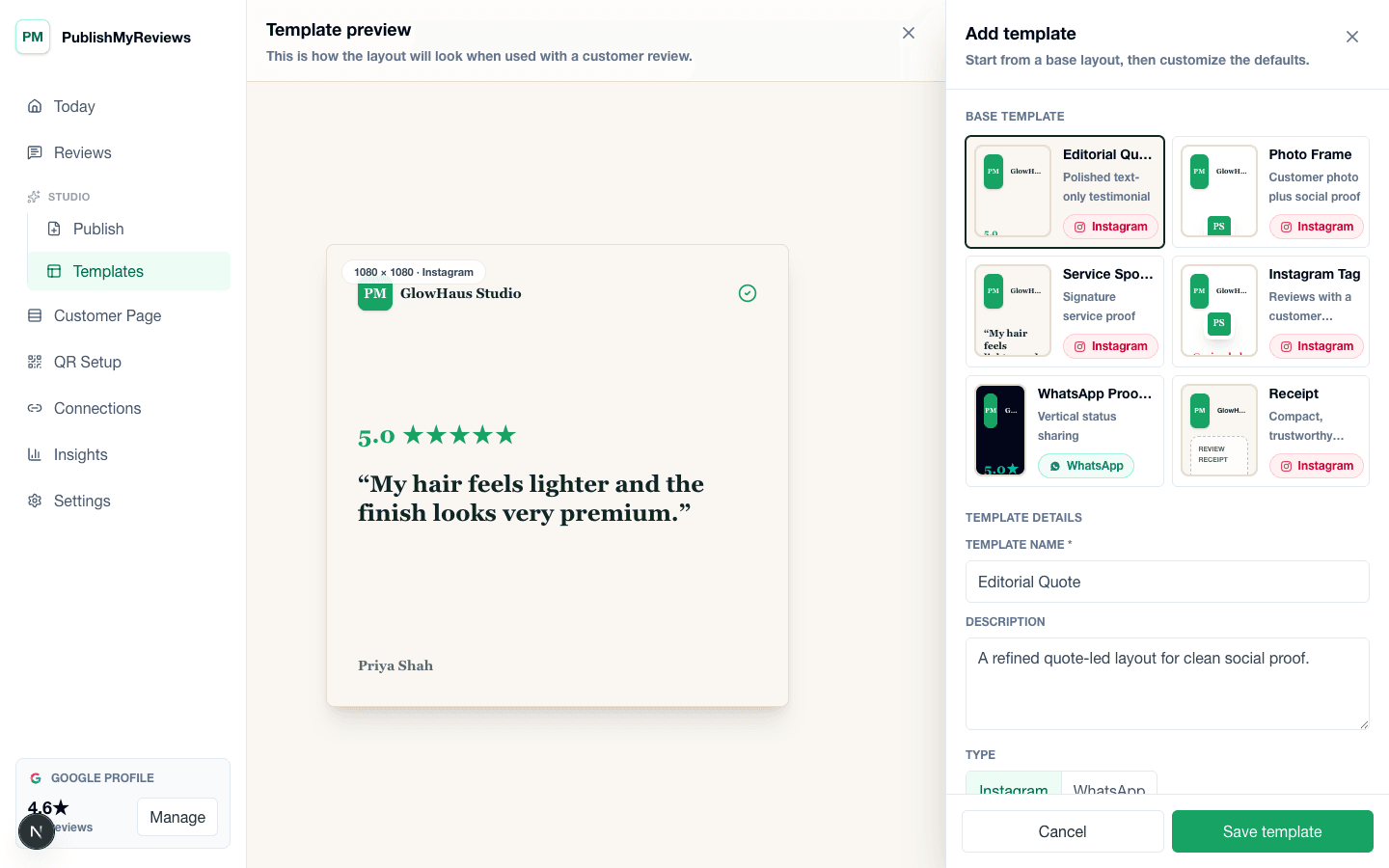
A cafe may want a short ambience quote, a salon may want a haircut or bridal makeup review, and a clinic may need a careful, sensitively worded service review. Templates help each business turn the review into a polished post while keeping the customer's words, rating, and context easy to read.
Keep the Google action customer-led
Customers write their own public reviews on Google. PublishMyReviews never publishes to Google on anyone's behalf, writes reviews for customers, or restricts the Google path based on rating. It focuses on honest QR handoffs, real-time review sync, AI-drafted replies, and owner-approved publishing.
Use this when customers ask for proof before booking
This workflow is useful when prospects already compare your Google profile, Instagram feed, and recent customer stories before deciding. Instead of treating Google and Instagram as separate jobs, ask once, sync the review from Google, and turn the best into social proof that stays true to the customer's original experience.
Measure the full path from review to post
A review-to-post workflow should show more than final post count. Owners need to see scans, new reviews synced, replies drafted, approvals, posts created, and assets waiting for action. That makes the content pipeline easier to manage and shows where things stall.