Why WhatsApp stories are useful for local businesses
Many local businesses already use WhatsApp as a customer relationship channel. Customers ask questions, confirm bookings, request menus, check availability, and share referrals there. A WhatsApp-ready review story gives the business a simple way to share proof where local customers already pay attention, without relying on rough screenshots or last-minute graphic design.
How approved reviews become vertical story assets
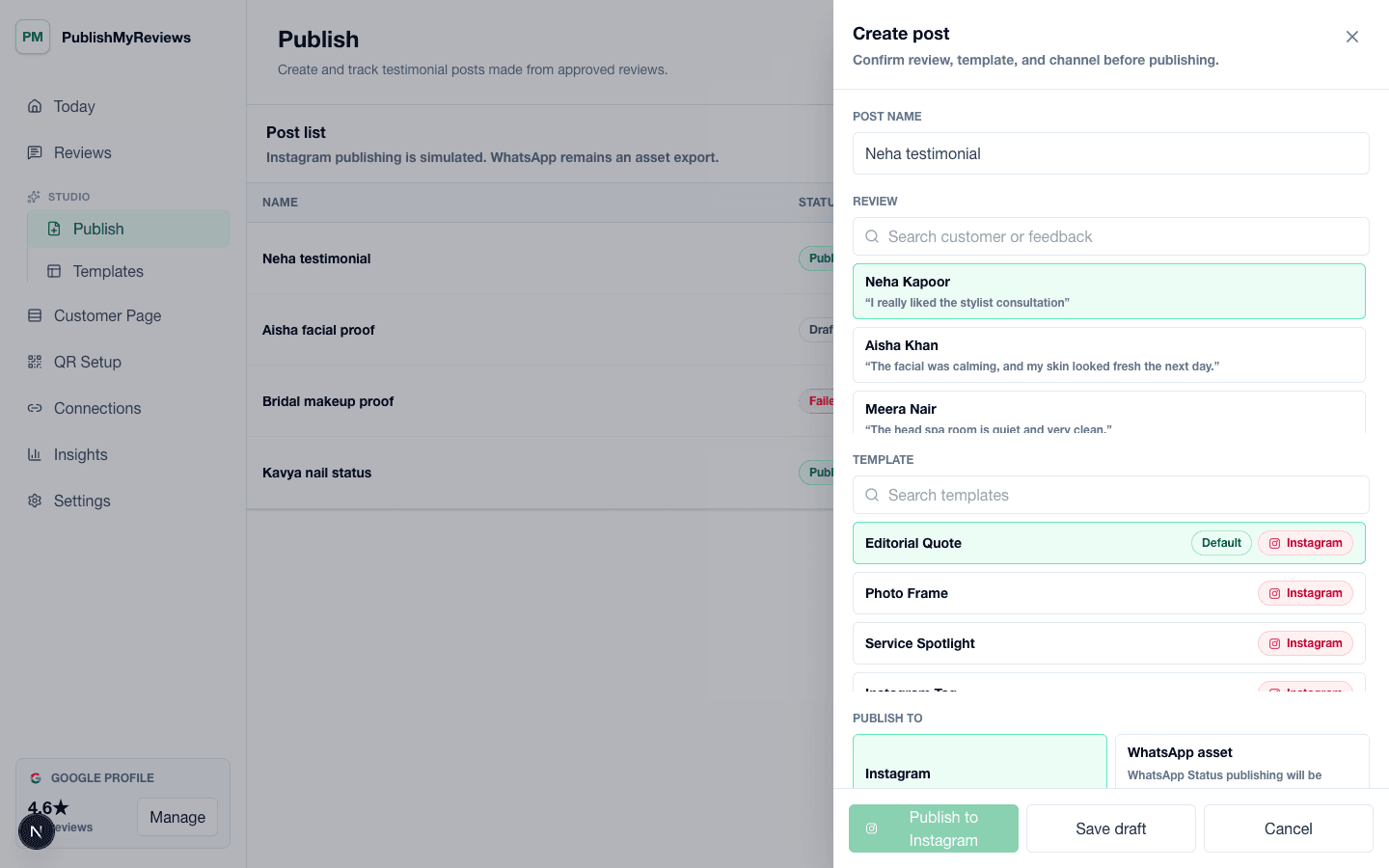
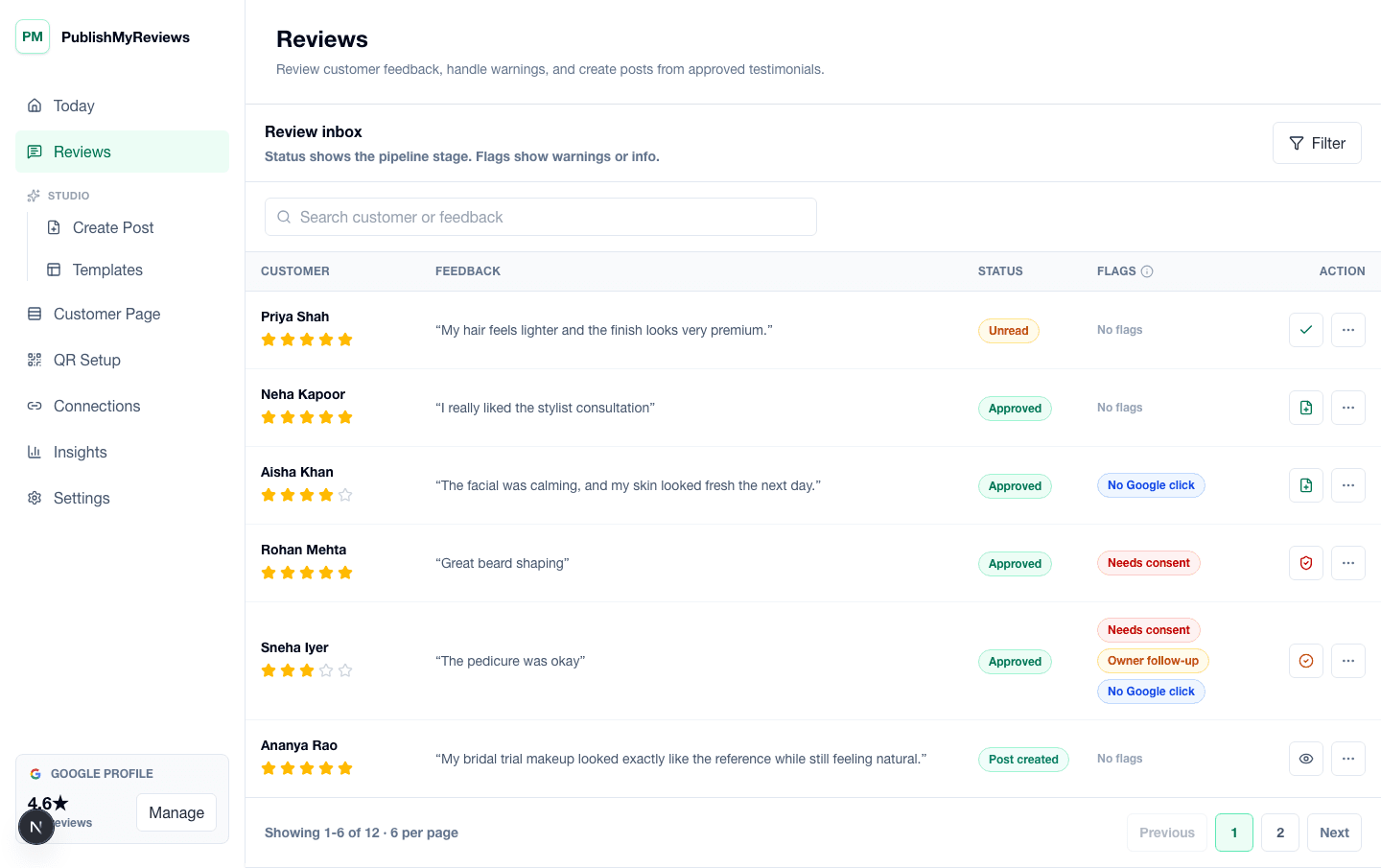
The workflow starts with a customer review captured by QR. The owner checks the review, confirms whether consent is available, and chooses whether it should become public social proof. Approved testimonials can then be placed into a vertical story layout that is easier to share on WhatsApp than a cropped square Instagram post.
Manual sharing workflow
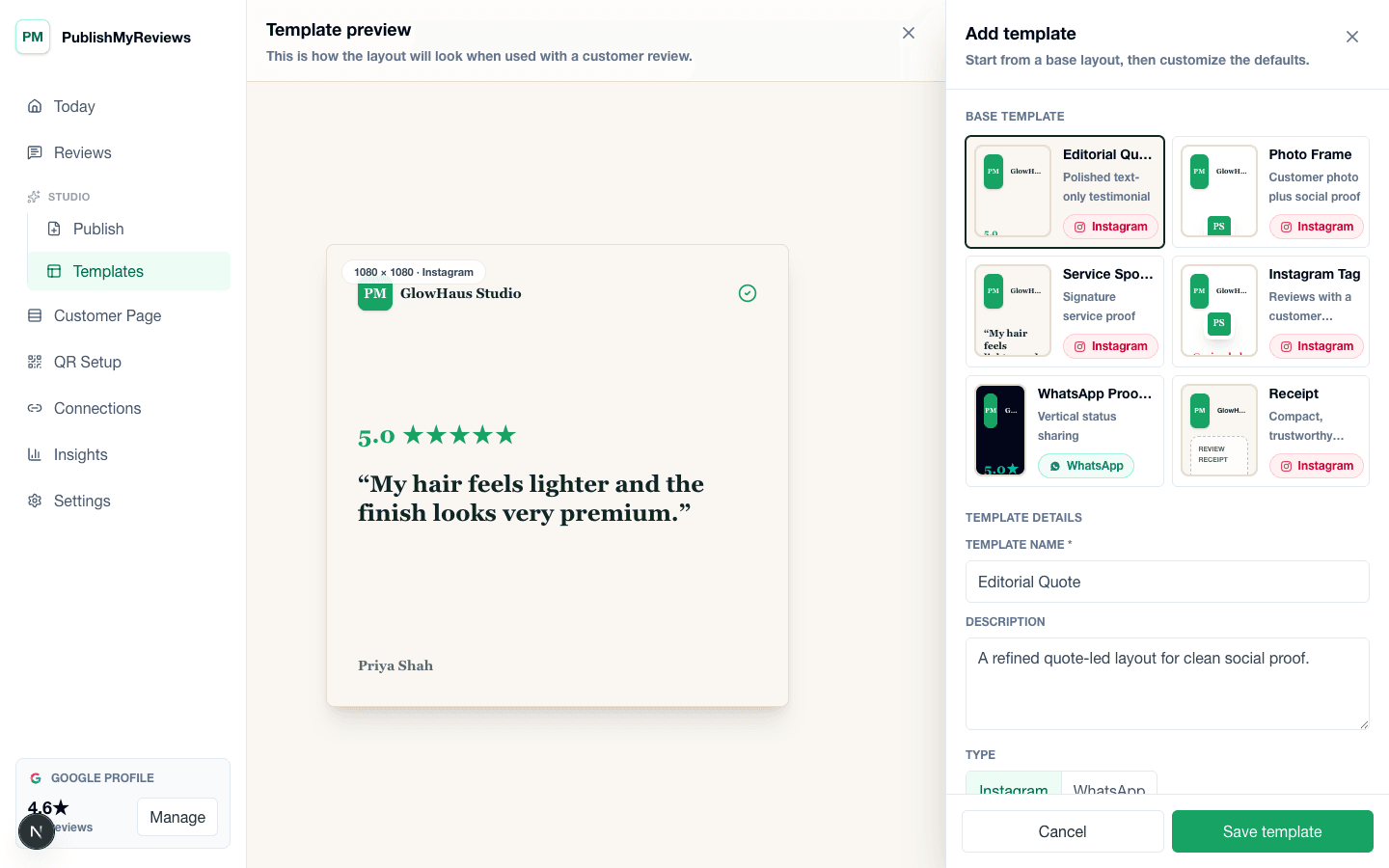
PublishMyReviews creates WhatsApp-ready story assets. Your team downloads or exports the asset and shares it manually in V1. This keeps the promise clear: the product helps prepare review proof for WhatsApp while your team stays in control of sharing.
Consent rules for customer proof
Review stories can include customer names, photos, handles, or service context only when the customer has provided those details and consent is captured. This matters for salons, clinics, cafes, gyms, and service businesses that want to share proof without making customers uncomfortable.
Pair WhatsApp stories with Instagram posts
One approved testimonial can support more than one channel. The same review may become an Instagram testimonial post and a WhatsApp-ready story asset, giving the owner more value from the customer proof while keeping the source testimonial and consent record in one place.
Use WhatsApp proof without overpromising automation
WhatsApp can be powerful for local visibility, but it should be described carefully. PublishMyReviews helps create shareable WhatsApp story assets for manual sharing in V1. That distinction keeps the product story honest and avoids creating expectations the platform workflow may not support.
Use review stories for daily trust moments
A WhatsApp-ready story does not need to be a campaign. It can be a simple proof point after a busy weekend, a new service, a popular menu item, a consultation, or a repeat customer experience. The asset gives owners something credible to share without turning every update into a discount or sales announcement.
Keep the asset readable on mobile
Most WhatsApp viewers will see the story quickly on a phone, so the review needs to be short, legible, and visually clean. The template should highlight the quote, rating, business name, and optional customer details without crowding the frame. That is why a purpose-built story asset is better than a stretched screenshot.
Connect WhatsApp proof back to the review inbox
When reviews are scattered across messages, staff chats, and screenshots, it becomes hard to know what is approved and what can be reused. PublishMyReviews keeps the source review, consent state, and publishing options together, so WhatsApp-ready stories come from a controlled workflow rather than a random phone gallery.