Generate testimonial posts from approved reviews
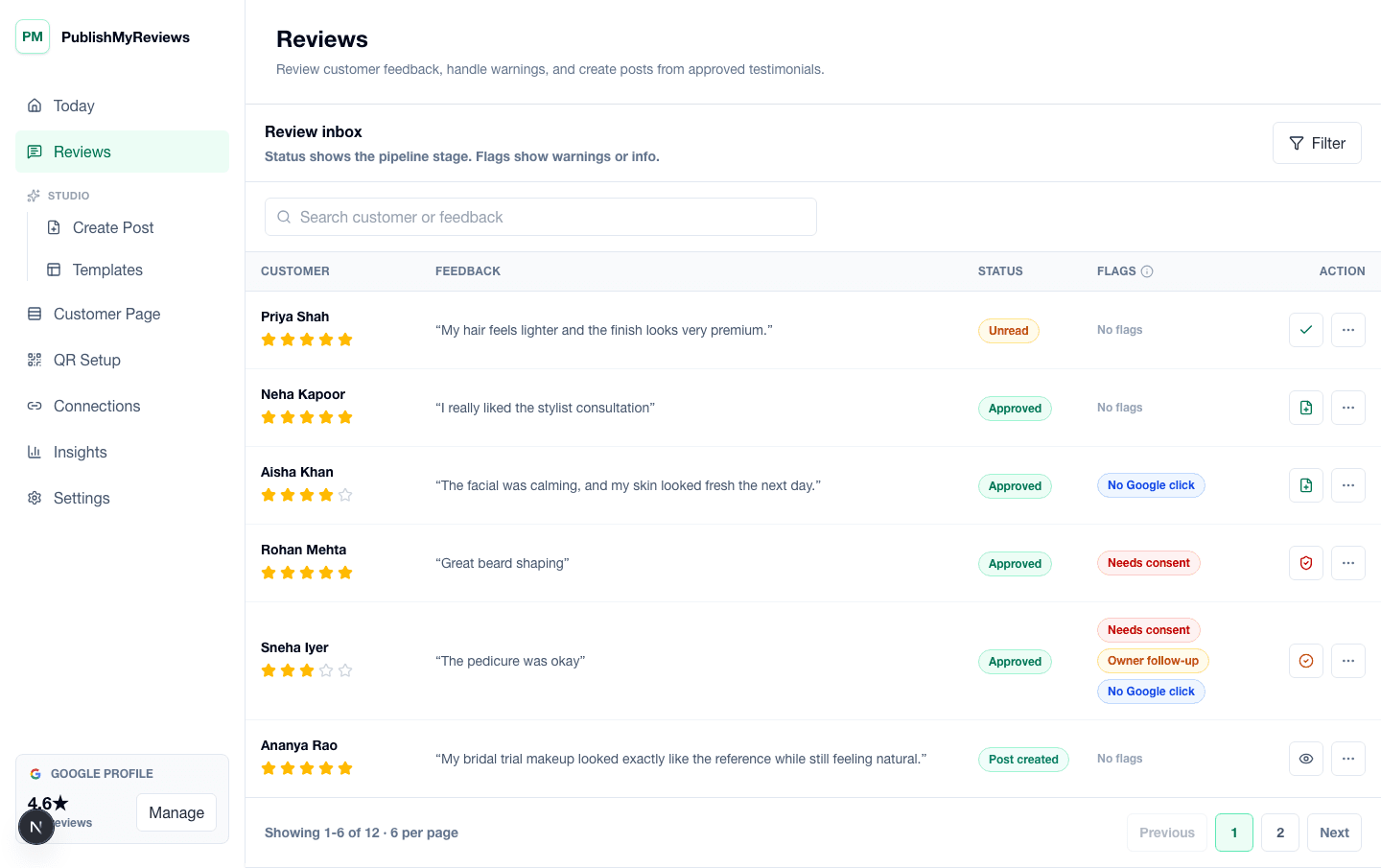
An Instagram testimonial generator should start from real customer feedback, not invented marketing claims. PublishMyReviews captures the review through a QR page, keeps the original words in the review inbox, and lets the owner approve the testimonial before it becomes social content. That makes the post feel more specific and trustworthy than a generic graphic that only says customers love the business.
Use a template library for repeatable proof
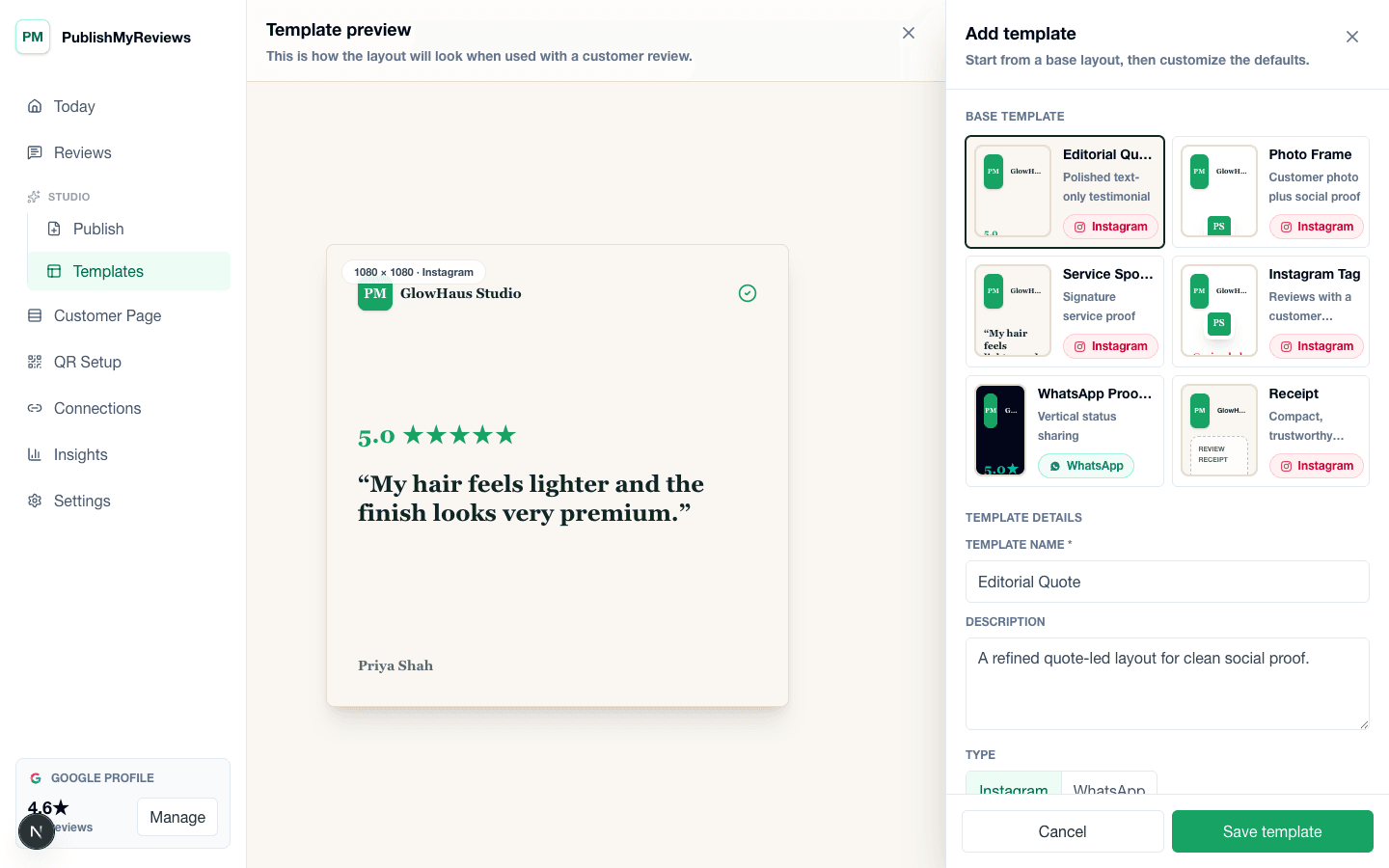
Local businesses need a repeatable style because testimonial content should be published often. Templates help keep layout, quote length, typography, rating display, brand color, and service context consistent. A salon can show a haircut review, a cafe can show a coffee or ambience review, and a clinic can show a consent-led treatment testimonial without designing every post from a blank canvas.
Use caption support without changing the customer's meaning
Captions can help frame a testimonial for Instagram, but they should not exaggerate outcomes or rewrite the customer story into something fake. Caption support should preserve the meaning of the approved review, add clear service context, and help the business sound human. The testimonial remains the source, and the caption supports it.
Capture customer name, photo, and Instagram handle with consent
Testimonial posts become stronger when they can include a customer name, photo, service context, or Instagram handle, but those details should only be used when the customer has provided them and given permission. PublishMyReviews keeps consent attached to the submission so owners can tell the difference between private feedback and content that is ready to publish.
Move from review to Instagram post
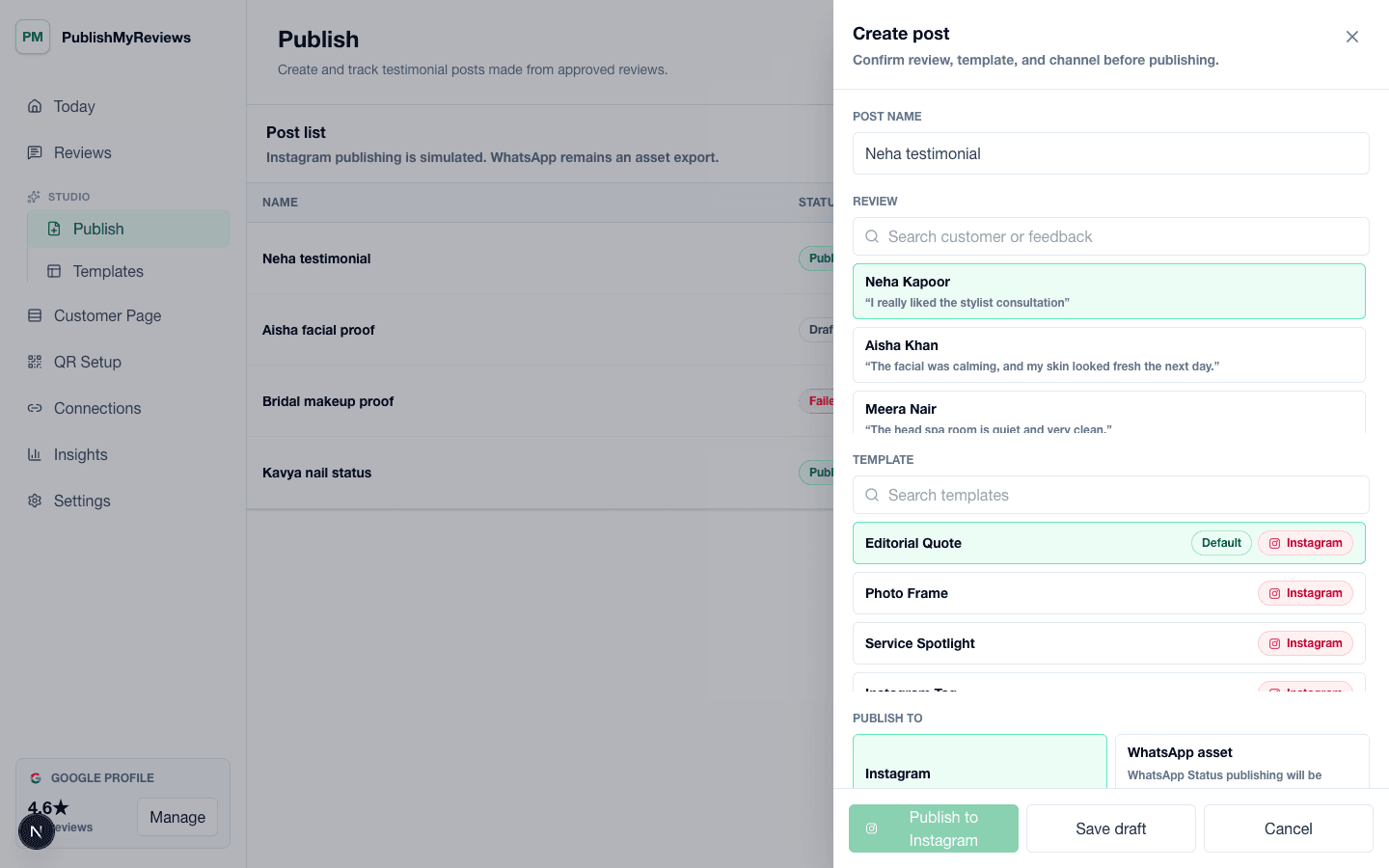
Once the review is approved, the owner can choose a template, prepare the post, and use the Instagram publishing workflow. The same approved review can also become a WhatsApp-ready story asset for teams that share customer proof manually. This keeps the workflow practical: capture once, approve carefully, and reuse the testimonial across channels.
Best fit for local businesses that sell on trust
The generator is useful for salons, cafes, clinics, gyms, coaches, studios, and other local service businesses where customers check reviews and social proof before deciding. It does not promise rating outcomes or automatic public posting. It gives owners a cleaner way to use real testimonials after consent and approval.
Create multiple formats from one testimonial
One approved review can support a square Instagram post, a caption variant, and a WhatsApp-ready story asset. That matters for small teams because the business can collect proof once and reuse it in the formats customers actually see. The review stays the source, while the output adapts to the channel.
Use examples without making false claims
A good testimonial generator should help present the customer's words clearly, not turn them into exaggerated claims. If a customer praised ambience, service, coffee, haircut, consultation, or staff behavior, the generated post should stay close to that proof. This keeps the content useful for SEO, social trust, and customer confidence.