PublishMyReviewsublishmyreviews

Instagram review posts

Publish customer reviews to Instagram.

Customer reviews are strongest when they become visible proof. PublishMyReviews helps local businesses collect customer reviews by QR and turn approved testimonials into Instagram posts and WhatsApp-ready stories.

Search intent

A practical workflow, not a shortcut around customer trust.

PublishMyReviews helps local businesses collect customer reviews by QR and turn approved testimonials into Instagram posts and WhatsApp-ready stories. Customers continue to Google themselves when they want to post publicly.

Why customer reviews make strong Instagram content

Customer reviews bring real language, specific service moments, and proof from people who have already experienced the business. That makes testimonial posts more trustworthy than generic promotional graphics.

How the workflow works

The review-to-post workflow starts with QR capture, moves through owner approval and consent checks, then turns the approved testimonial into a branded Instagram post.

Capture review by QR

Customers scan a QR code at the point of service and share honest feedback while the experience is still fresh.

Approve testimonial

Owners review the submission, check consent, and decide whether the testimonial is appropriate for public social proof.

Choose template

Reusable templates keep testimonial posts consistent across layout, color, quote style, and brand presentation.

Publish Instagram post

Approved testimonials can become branded square Instagram posts through the publishing workflow after account setup is complete.

Consent and customer photo rules

Only use customer names, photos, Instagram handles, and service context when consent is captured and attached to the testimonial.
Product screenshots

See the review-to-social workflow in the product.

These screens show how feedback capture, approval, templates, and publishing sit inside one owner workflow.

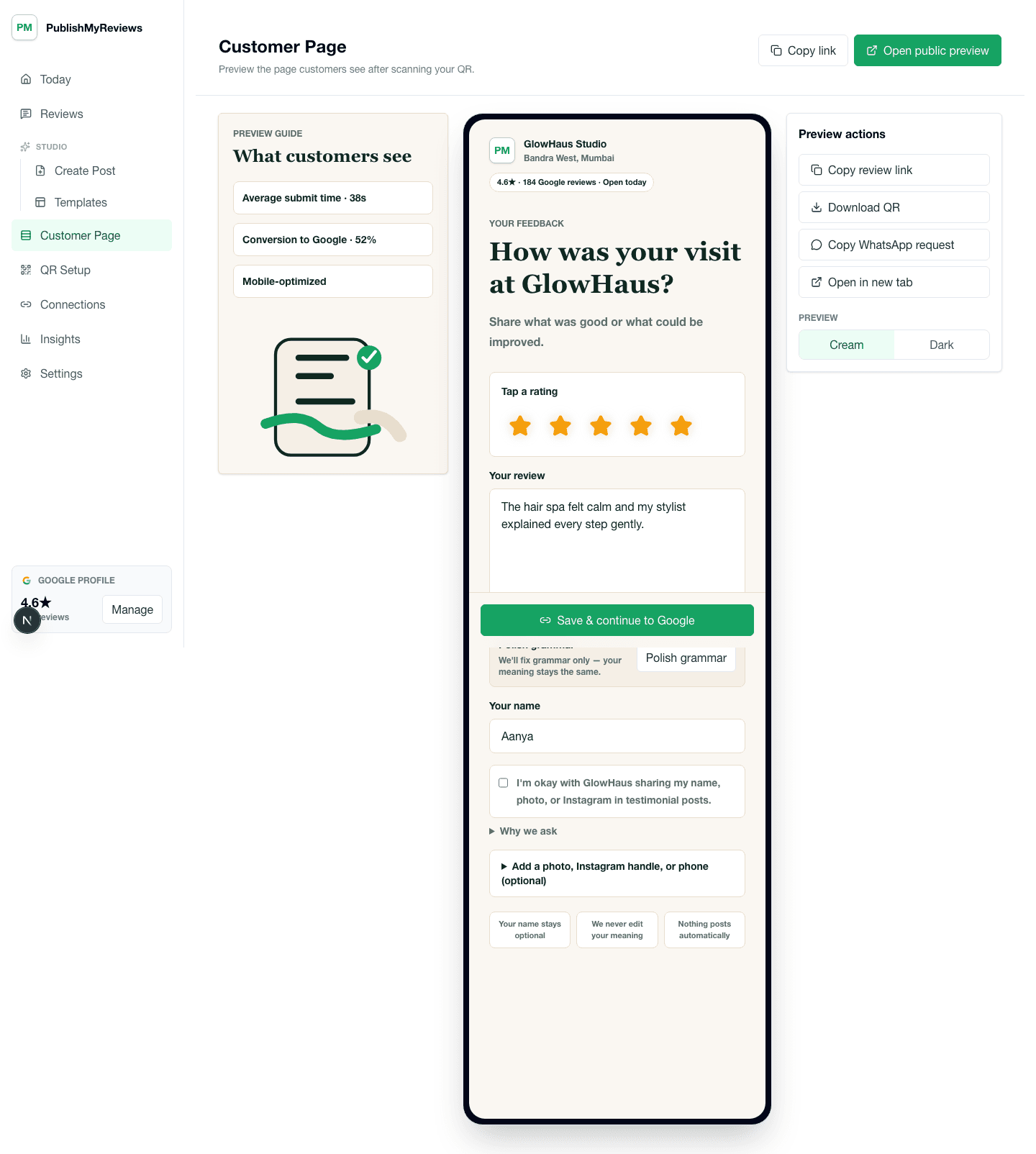
Customer QR review page with rating, testimonial, consent, photo, and Google continuation options.

Customer QR review page with rating, testimonial, consent, photo, and Google continuation options.

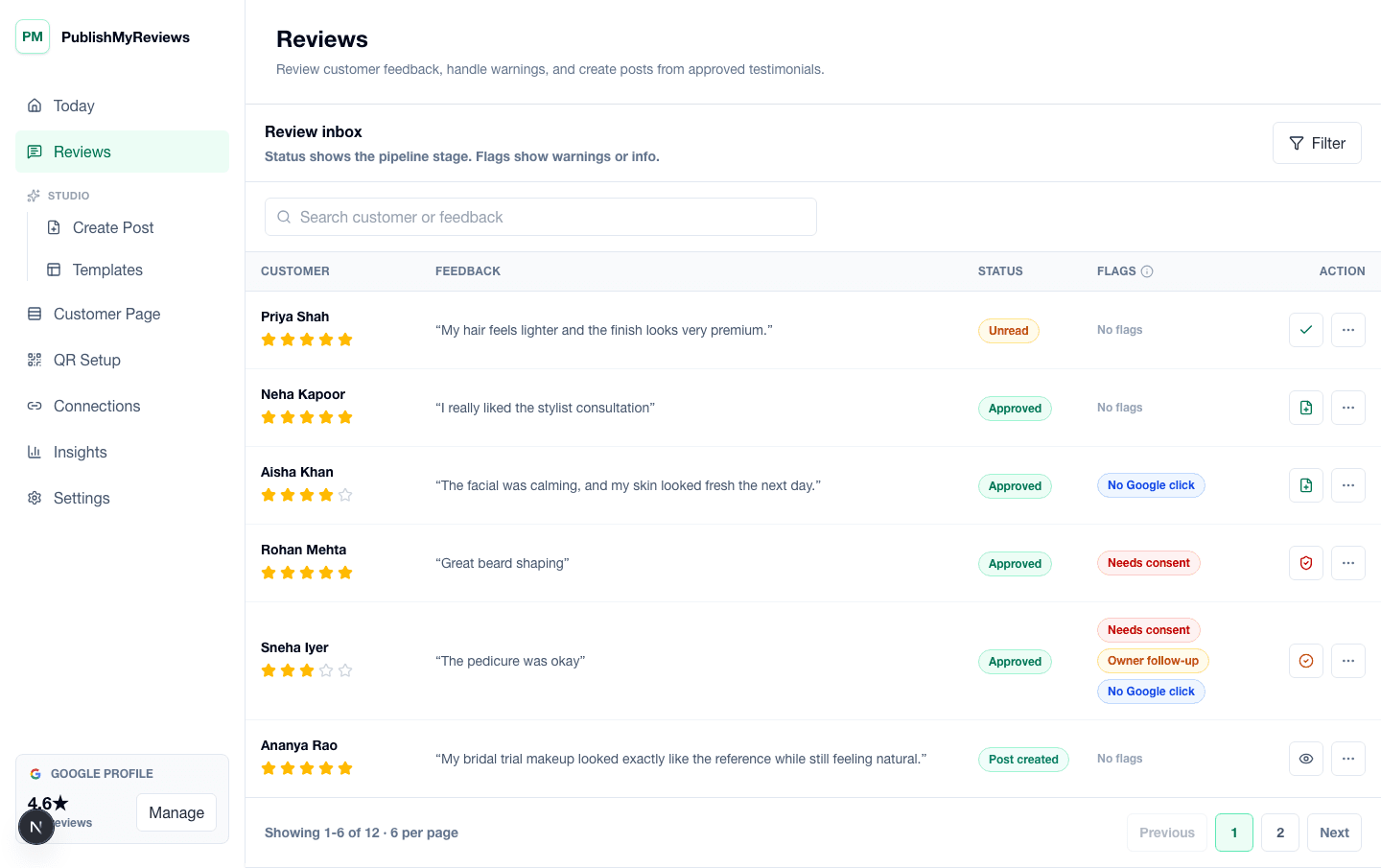
PublishMyReviews review inbox showing submitted testimonials, consent flags, and next steps.

PublishMyReviews review inbox showing submitted testimonials, consent flags, and next steps.

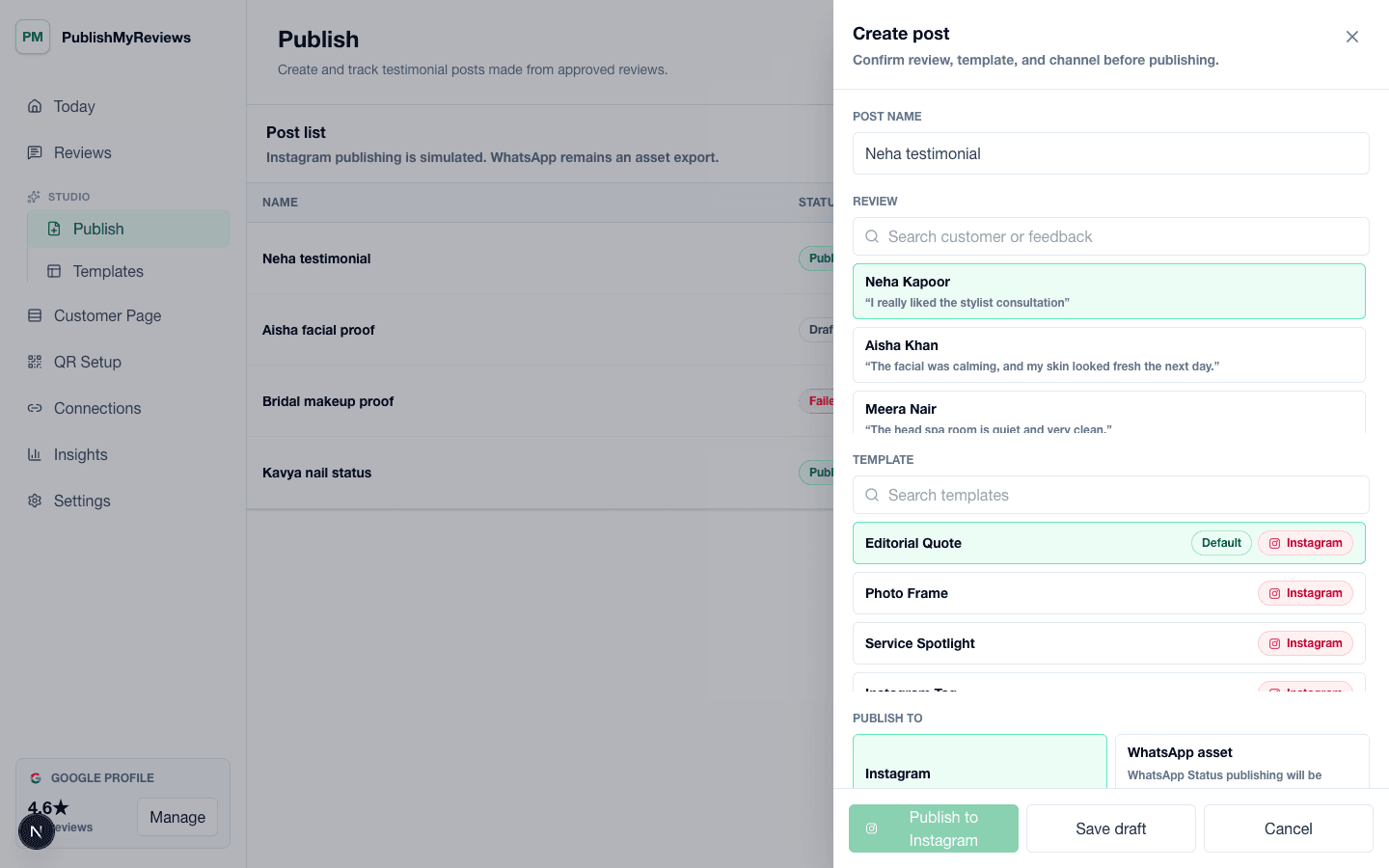
PublishMyReviews create post workflow for turning approved testimonials into Instagram and WhatsApp-ready proof.

PublishMyReviews create post workflow for turning approved testimonials into Instagram and WhatsApp-ready proof.

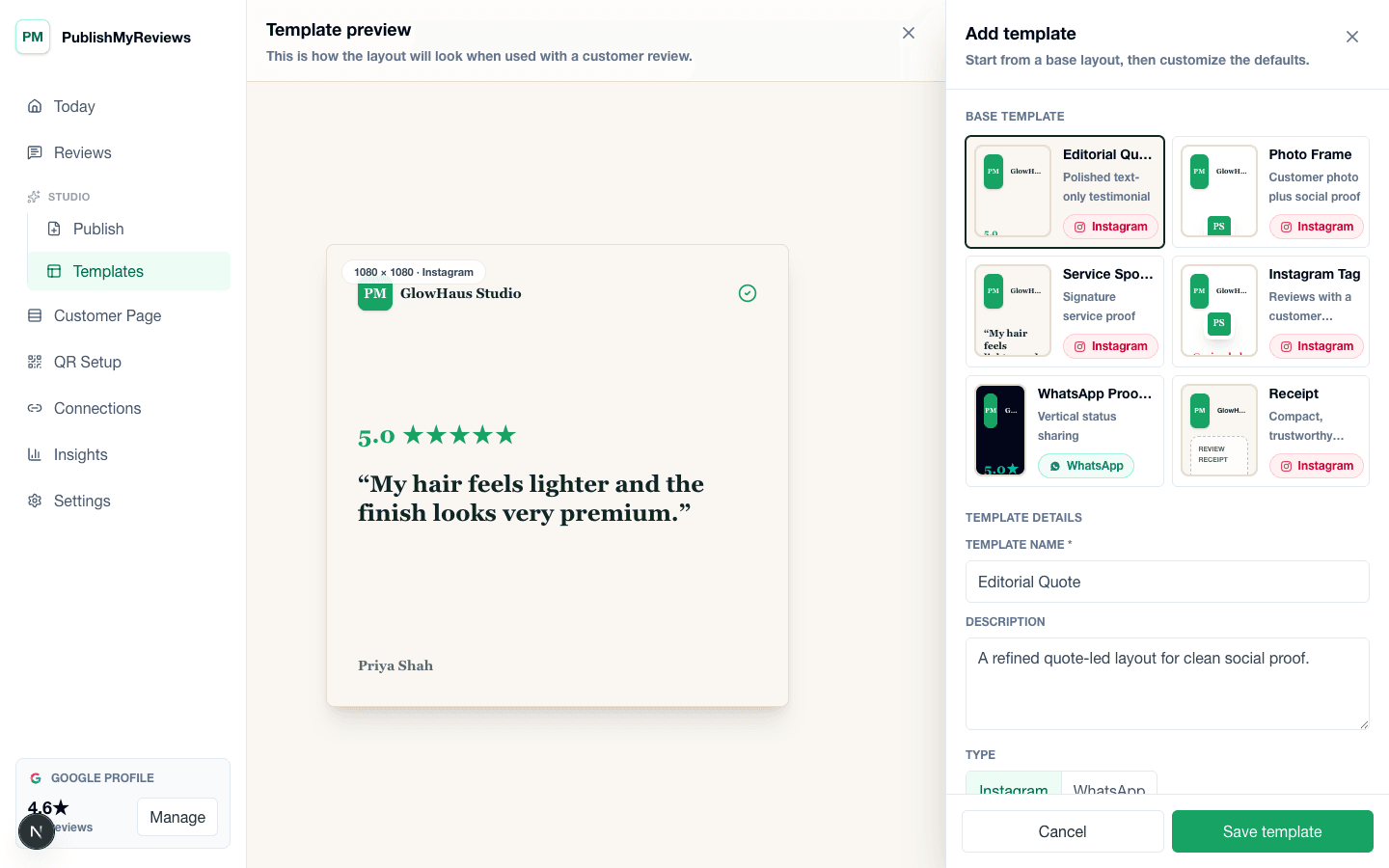
PublishMyReviews template builder for creating Instagram and WhatsApp-ready testimonial layouts.

PublishMyReviews template builder for creating Instagram and WhatsApp-ready testimonial layouts.

FAQ

Practical answers before you choose a workflow.

Book a 15-min demo

Can I publish customer reviews to Instagram?

Yes. PublishMyReviews helps you turn approved testimonials into branded Instagram posts using reusable templates and customer consent.

Can I post reviews to WhatsApp Status?

PublishMyReviews creates WhatsApp-ready story assets that your team can share manually. Full WhatsApp Status automation is not promised in V1.

Does this publish Google reviews automatically?

No. Customers continue to Google and post their reviews themselves. PublishMyReviews captures the first-party review and helps turn approved testimonials into social proof.

Start with one QR

Build a real review-to-content workflow before scaling.

Book a 15-min demo